How to print a list in Reminders on iPad

You can print a list in Reminders on iPad, like a grocery list, checklist, or project tasks, from the More button.

By Moses Johnson - Editor
0 Min Read

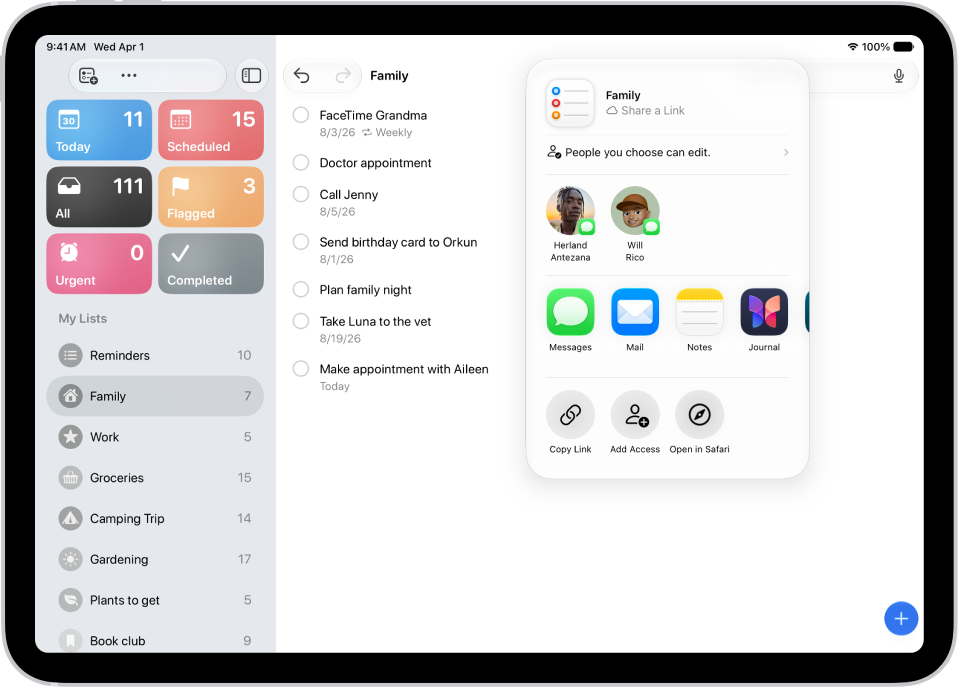
On iPad, you can print a grocery list, checklist, to-do items, project tasks, and more. You just go to the Reminders app on your iPad, view the list you want to print, and print it. That works for grocery lists, checklists, and to-do items alike.

  1. Go to the Reminders app on your iPad.
  2. View the list you want to print.
  3. Tap the More button and tap Print.

See also
TAGGED:
Follow:
Moses Johnson is the Editorial Director of GeeksChalk.com, who has a keen eye for news, rumors, and all the unusual stuff around Apple products. Moses is commonly referred to online as The Professor, with decades of experience in tech under his belt.
Leave a Comment