On iPad, you control how Apple delivers advertising. Ads delivered by Apple may appear in the App Store, Apple News, and Stocks, and these ads don’t access data from any other apps.
In the App Store and Apple News, your search and download history may be used to serve you relevant search ads. In Apple News and Stocks, ads are served based partly on what you read or follow, including publishers you’ve turned on notifications for and the type of publishing subscription you have. What you read is linked to a random identifier rather than to your Apple Account, and it isn’t used to target ads outside these apps. Your personal data isn’t provided to other parties, either.
Review the information Apple uses to deliver ads
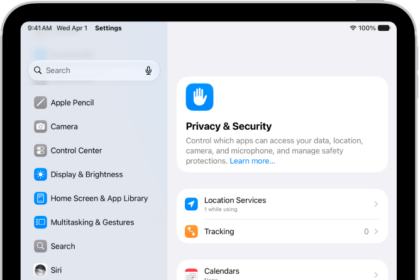
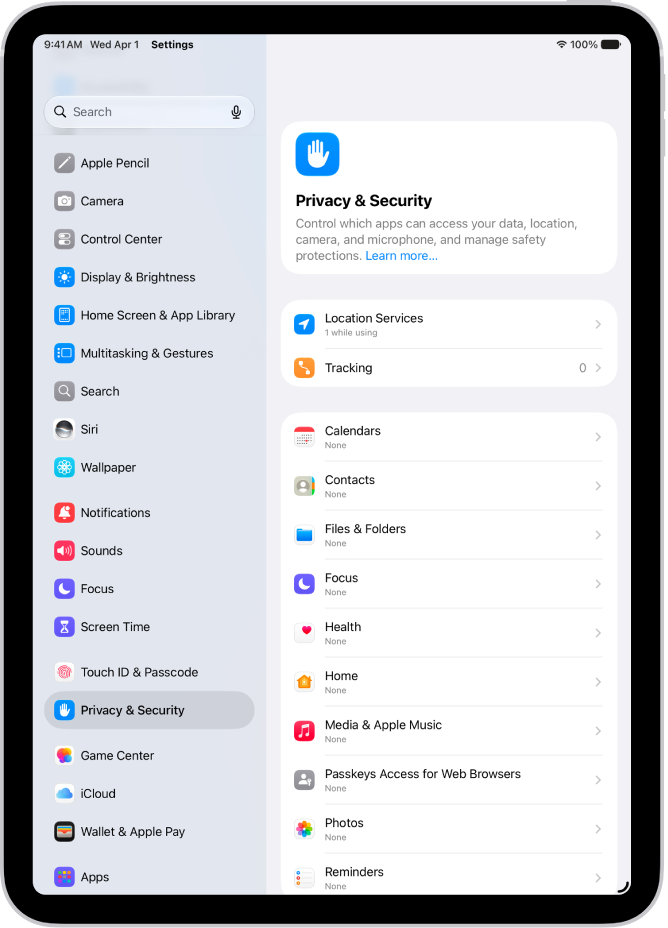
Go to Settings > Privacy & Security > Apple Advertising > View Ad Targeting Information.
The information is used by Apple to deliver more relevant ads in the App Store, Apple News, and Stocks. Your personal data isn’t provided to other parties, Apple says.
Turn personalized ads on or off
Go to Settings > Privacy & Security > Apple Advertising, then turn Personalized Ads on or off.
Note: Turning off personalized ads limits Apple’s ability to deliver relevant ads to you. It may not reduce the number of ads you receive.
Learn more about privacy and Apple’s advertising platform
Go to Settings > Privacy & Security > Apple Advertising > About Advertising & Privacy.
See also