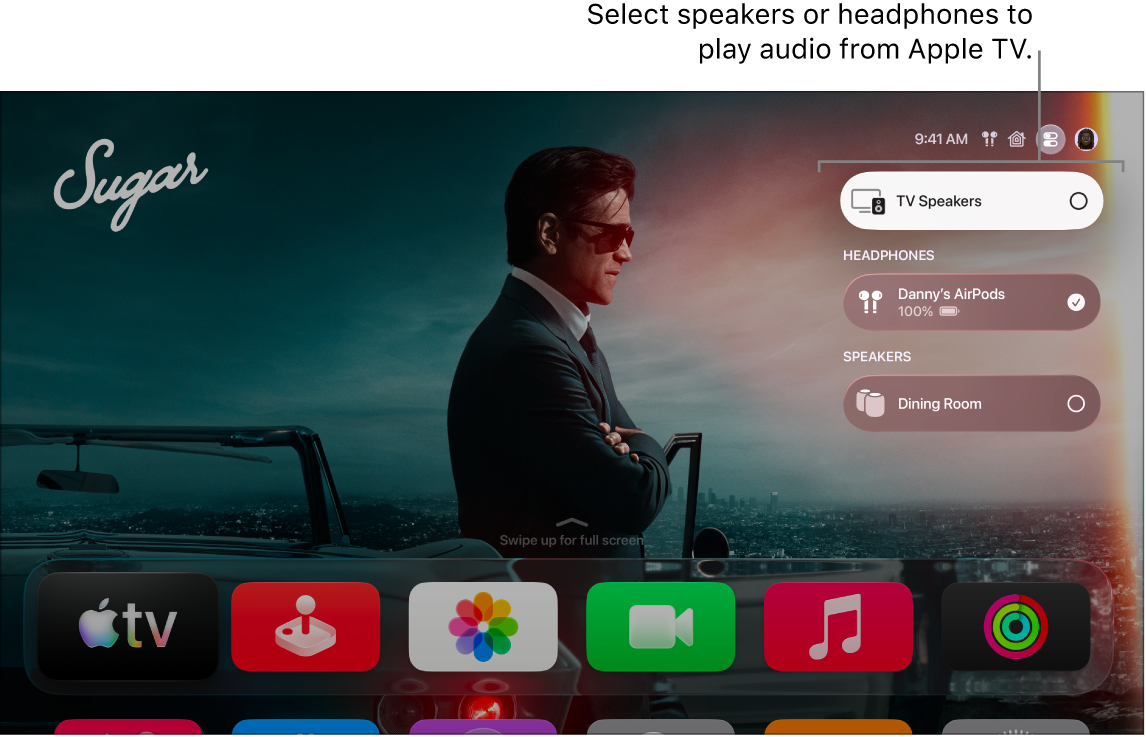
You can send audio from your Apple TV 4K to up to two pairs of compatible AirPods or Beats headphones, so you can listen together. Once your first pair is connected, onscreen instructions help you pair the second set of headphones. Personalized spatial audio isn’t available when two pairs are connected, though.
- Connect your AirPods or Beats headphones to Apple TV 4K.
- While watching a movie or TV show or listening to music, press and hold the TV button to open Control Center and then go to the AirPods tab.
- Select Share Audio and then follow the onscreen instructions to pair the second set of headphones.
Personalized spatial audio is not available when two pairs of headphones are connected.
Note: Audio sharing requires Apple TV 4K (see Which Apple TV 4K model do I have?).
Not all features and content are available in all countries or regions or on all Apple TV hardware models.