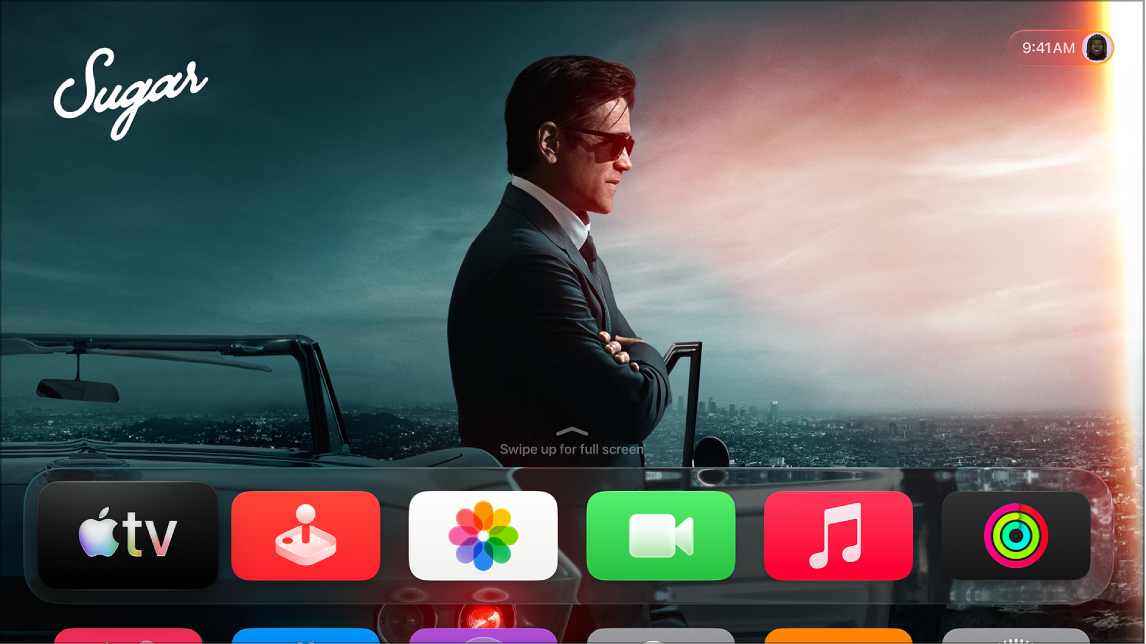
To connect a switch to Apple TV 4K, you can connect an external Bluetooth® device such as a keyboard, or use the platform-switching feature that forwards switch actions from another device such as an iPhone or a Mac. With only one switch added, it works as the Select Item switch by default.
An external switch needs to be connected to Apple TV 4K before it shows up in the list of available switches. An accessibility shortcut can also activate Switch Control.
Here’s how to add a switch to your Apple TV 4K and turn Switch Control on or off.
Add a switch and choose its action
- Go to Settings on Apple TV 4K.
- Go to Accessibility > Switch Control > Switches.
- Select Add New Switch and then follow the onscreen instructions.
If you add only one switch, it functions as the Select Item switch by default.
If you’re adding an external switch, you need to connect it to Apple TV 4K before it will appear in the list of available switches. Follow the instructions that came with the switch. If the switch connects using Bluetooth, you need to pair the device with Apple TV 4K. For more information, see Connect Bluetooth devices to Apple TV 4K.
Turn Switch Control on or off
- Go to Settings on Apple TV 4K.
- Go to Accessibility > Switch Control and then select Switch Control to turn it on or off.
Tip: You can also set up an accessibility shortcut to activate Switch Control.
Not all features and content are available in all countries or regions or on all Apple TV hardware models.
See also