Your Apple TV 4K streams video and music, but it stores apps locally, so the more apps you download, the more storage is used up. If you get a warning that you’re running out of disk space, you can remove apps to free up space.
You can also set Apple TV 4K to remove unused apps automatically, and your documents and data are kept in case you download the app again. Offloading lets you remove the app but keep its data.
Here’s how to free up space on your Apple TV 4K, or let it remove unused apps for you.
Remove unused apps on the Home Screen
To save space, you can set Apple TV 4K to remove unused apps, and your documents and data are preserved in case you download an app again later.
- Go to Settings on Apple TV 4K.
- Go to Apps. Select Offload Unused Apps to turn it on.
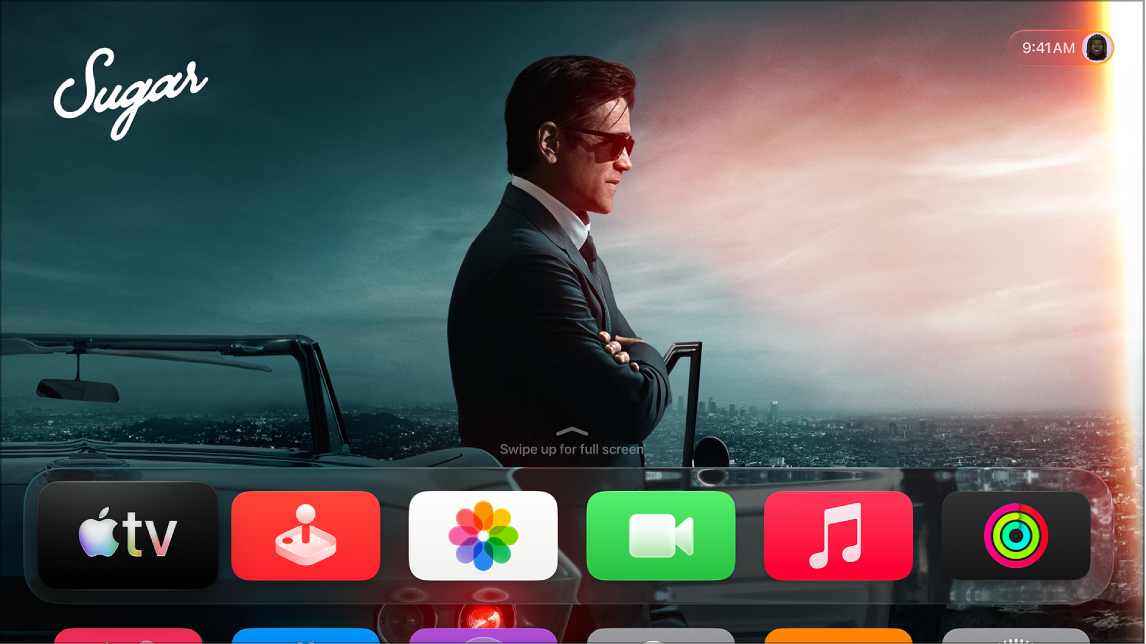
Unused apps show up on the Home Screen with a download icon. Select one to download it again. If the app is still available in the App Store, reinstalling it restores your data.
Manually delete apps to recover space
- Go to Settings on Apple TV 4K.
- Go to General, navigate down to the Usage section, and then select Manage Storage.
A list of the apps on your Apple TV 4K shows how much space each item is using.
- Select the Trash button next to an app you want to delete.
- Do either of the following:
- Select Delete to delete the app and all its data from your Apple TV 4K.
- Select Offload to remove the app but keep its data.
If you delete an app, you can download it again from the App Store without repurchasing it.
Not all features and content are available in all countries or regions or on all Apple TV hardware models.
See also