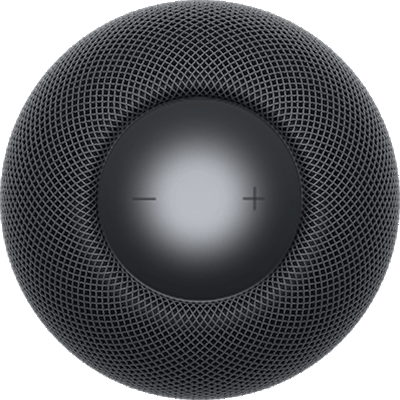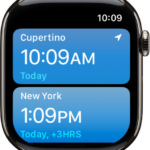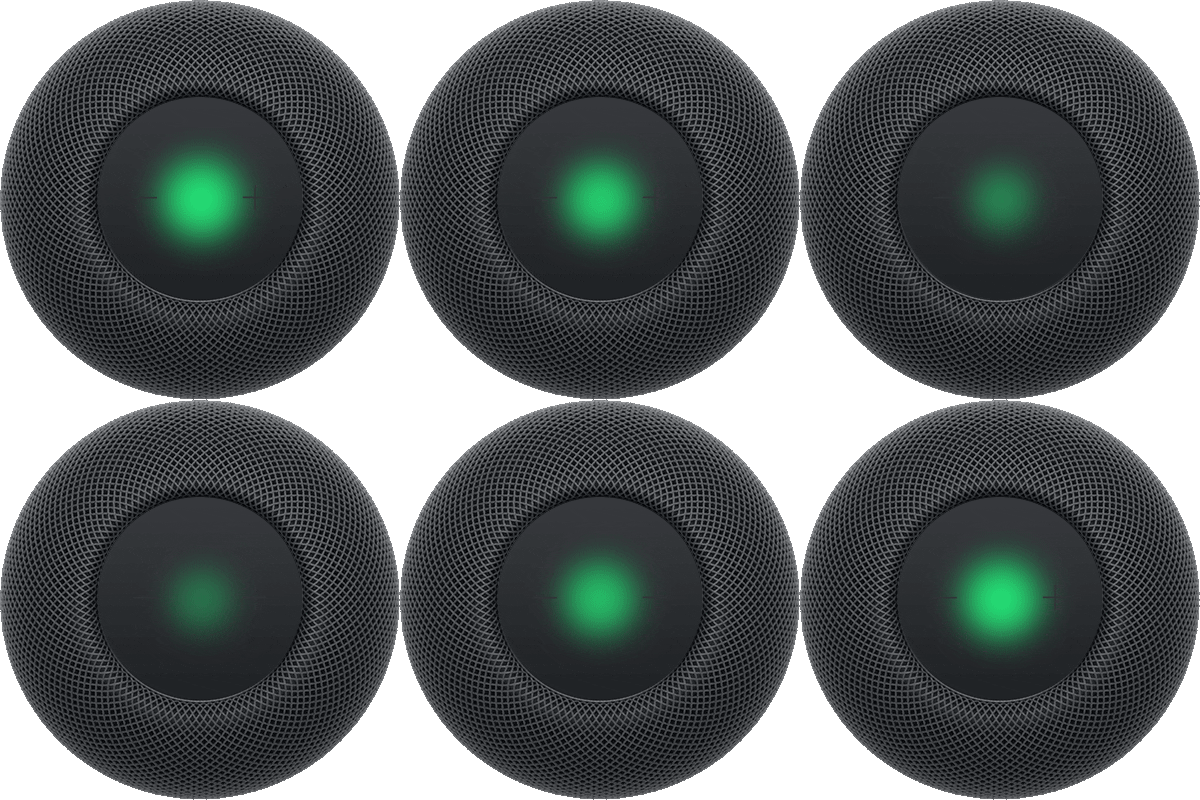
If you have HomeKit or Matter-enabled smart home accessories, like lights, thermostats, and window shades, HomePod acts as a home hub. That lets you control those accessories with your voice when you’re at home, or with the Home app on iPhone, iPad, Mac, or Apple Watch when you’re away.
You set up these accessories in the Home app on your iPhone or iPad, and they automatically work with Siri on HomePod. HomePod can even trigger them automatically, based on the time of day, your location, or the action of another accessory, such as a sensor. Which requests and automations work depends on the smart home accessories you’ve set up.
Siri on HomePod can turn on your Apple TV 4K, play a favorite show, and control playback as you watch. HomePod mini and HomePod (2nd generation) can also tell you the temperature and humidity in the room.
Control Apple TV 4K using Siri on HomePod
You can use Siri on HomePod to turn on your Apple TV 4K, start playing a favorite show, and control playback while you watch.
Siri: Ask Siri something like:
- “Turn on English subtitles on the Living Room TV.”
Note: There’s no need to specify which Apple TV 4K to control when that Apple TV 4K is assigned to the same room as HomePod in the Home app.
Control accessories using HomePod
Siri: Ask Siri something like:
- “Turn on the porch light.”
- “Turn off the lights in here” or “Turn off the lights in the bedroom.”
- “Set the good night scene.”
- “Turn on the lights at sunset every day.”
- “Is the porch light on?”
- “Is the front door locked?”
Want others to control HomePod from their own devices with the Home app? Invite them to share your home in the Home app on your iPhone or iPad.
Check the temperature and humidity of a room
HomePod mini and HomePod (2nd generation) each have a temperature and humidity sensor, so you’re able to ask about the temperature and humidity of the rooms they’re in.
Ask Siri something like “What’s the temperature in here?” or “What’s the humidity in the basement?”
Note: Temperature and humidity sensing is optimized for indoor, domestic settings, when ambient temperatures are around 15° C to 30° C and relative humidity is around 30% to 70%. Accuracy may decrease in some situations where audio is playing for an extended period of time at high volume levels. HomePod requires some time to calibrate the sensors immediately after starting up before results are displayed.
This guide is for HomePod software version 27 or later.
See also