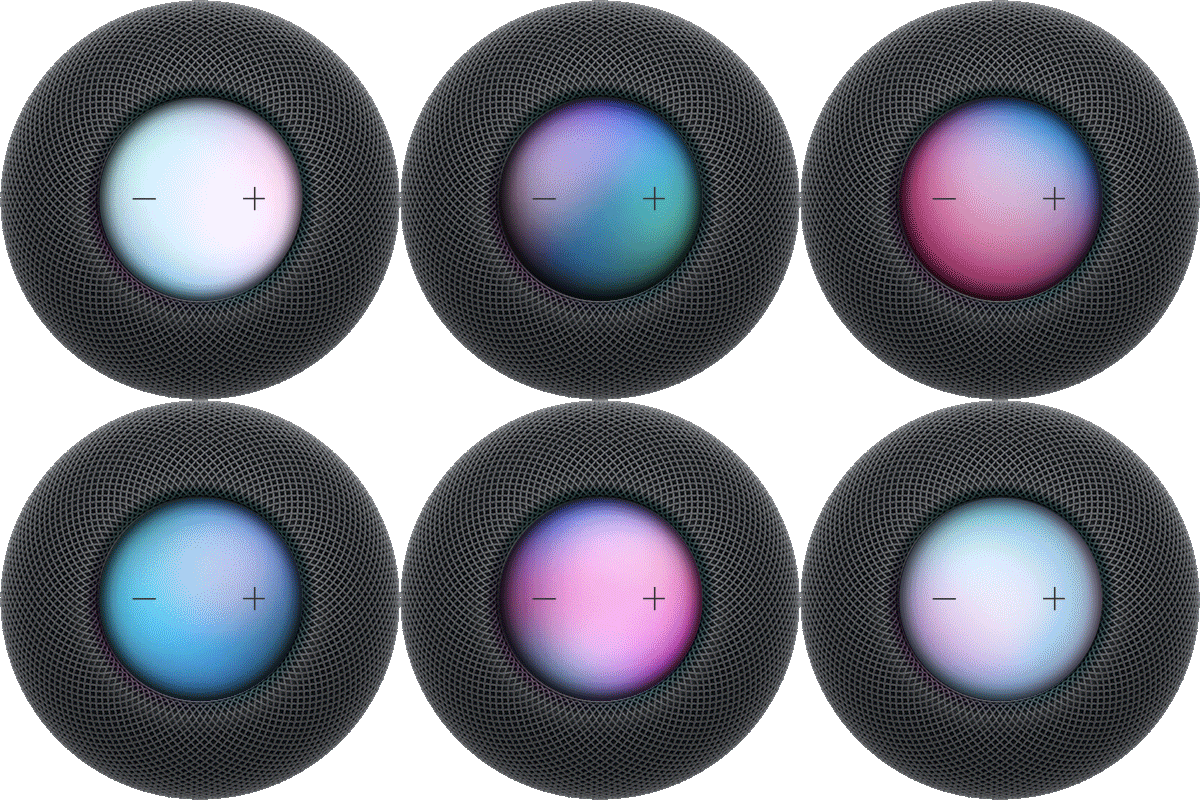
You can view device details and check your warranty coverage for your HomePod. The model and serial number are on the bottom of HomePod, and you can view this information onscreen, too, along with the software version.
You can also check AppleCare coverage and warranty, and view legal information like legal notices, the license, or the warranty. You’ll find the device information in the Home app, and the rest in the Settings app on your iPhone or iPad.
View the model, serial number, and software version
You can view the model and serial number on the bottom of HomePod. To view this information onscreen, do the following:
- Start the Home app on your iPhone or iPad.
- Tap your HomePod, then tap the Settings button.
- Scroll down to see the device information.
Check AppleCare coverage and warranty
- Start the Settings app on your iPhone or iPad.
- Tap General and tap AppleCare & Warranty.
- In the device list, tap your HomePod.
View legal information
- Start the Settings app on your iPhone or iPad.
- Tap General, then tap Legal & Regulatory.
- Below HomePod, tap Legal Notices, License, or Warranty.
See also