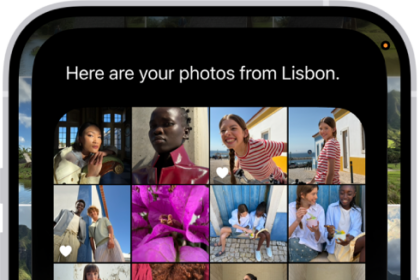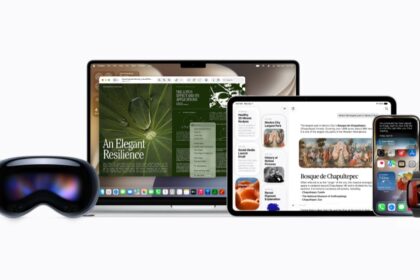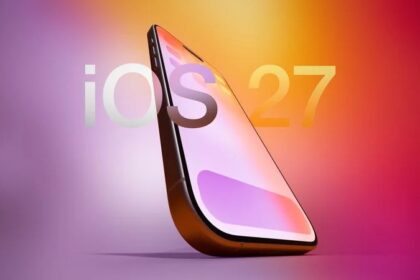
Apple released iOS 26 developer beta on June 9. Apple releases the Developer Beta first and after a brief delay, the Public Beta is dropped. Apple iPhone users looking to join one of the two Beta channels need to know the difference so that they can select the channel that is suitable for them.
So, what are the differences between iOS 26 developer and public beta? Keep reading to find out.
The difference between iOS 26 Developer Beta and Public Beta is in the schedule used by Apple to release each update. The iOS 26 Developer Beta gets dropped by Apple first allowing for the discovery of serious bugs that can prevent the software from working as it should. If enough major issues are discovered in the Developer Beta release, the Public version of the update will be delayed until a revised version of the Beta becomes available.
So if you’re not sure whether to choose the Developer channel or the Public channel to receive the iOS 26 Beta, the difference is that the Developer beta arrives first. If it contains some big-time bugs, Apple is counting on feedback from those using the release to exterminate these bugs. Once that happens, the Public Beta is released.
In other words, if you want to be the first on your block with new features and you’re not worried about the bugs, go with the Developer Beta. Or if you really are a developer and need to make sure that your apps run perfectly on iOS 26, choose the Developer Beta. Otherwise, you’d be wise to select the Public Beta which will be available after the Developer Beta but hopefully has major issues resolved.
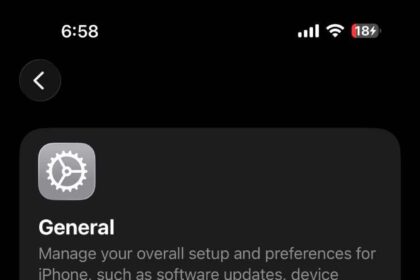
Before installing an iOS 26 Beta for the first time, make sure you’ve backed up your phone first. To install iOS 26 Developer Beta 2 or the iOS 26 Public Beta, go to Settings > General > Software Update. At the top of the screen, tap on Beta Updates and choose the option you want ranging from off (no iOS 26 betas will show up), iOS 26 Developer Beta, or iOS 26 Public Beta. After making your choice, hit the back button in the upper left corner and you will see an invite to install the iOS 26 beta version you picked. Follow the directions to install it on your phone. For a step-by-step instructions to install iOS 26 developer beta on your iPhone, check out this article. We have also outlined 100 new iOS 26 features here.