Apple just opened the first iOS 26 public beta (July 23) to anyone in its free Beta Software Program, letting everyday users try the new OS months before it ships alongside the iPhone 17 this fall. This beta bring too many new features, so if you’re someone who wants the latest features before anyone else, you can download iOS 26 public beta to your iPhone right now.
It’s pretty simple to download and install iOS 26 public beta. All you need to do is sign up on Apple’s Beta Software Program website and you’ll be on your way to becoming a beta tester from the comfort of your couch.
You’re probably aware that the iOS 26 beta was previously made available to developers. Not everyone wants to run the developer beta though, because it’s for developers and is usually less stable than a public beta. Ultimately, both beta versions are not as stable as the general public iOS release.
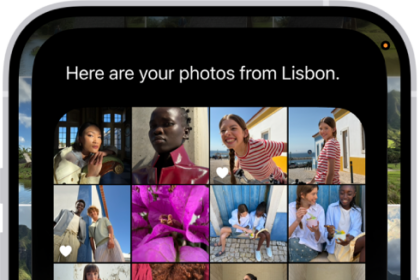
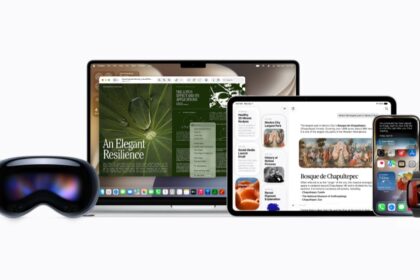
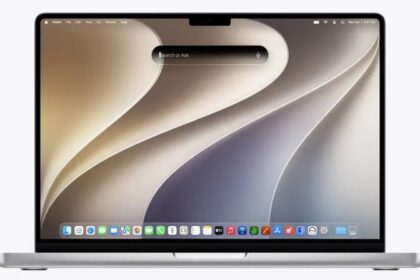
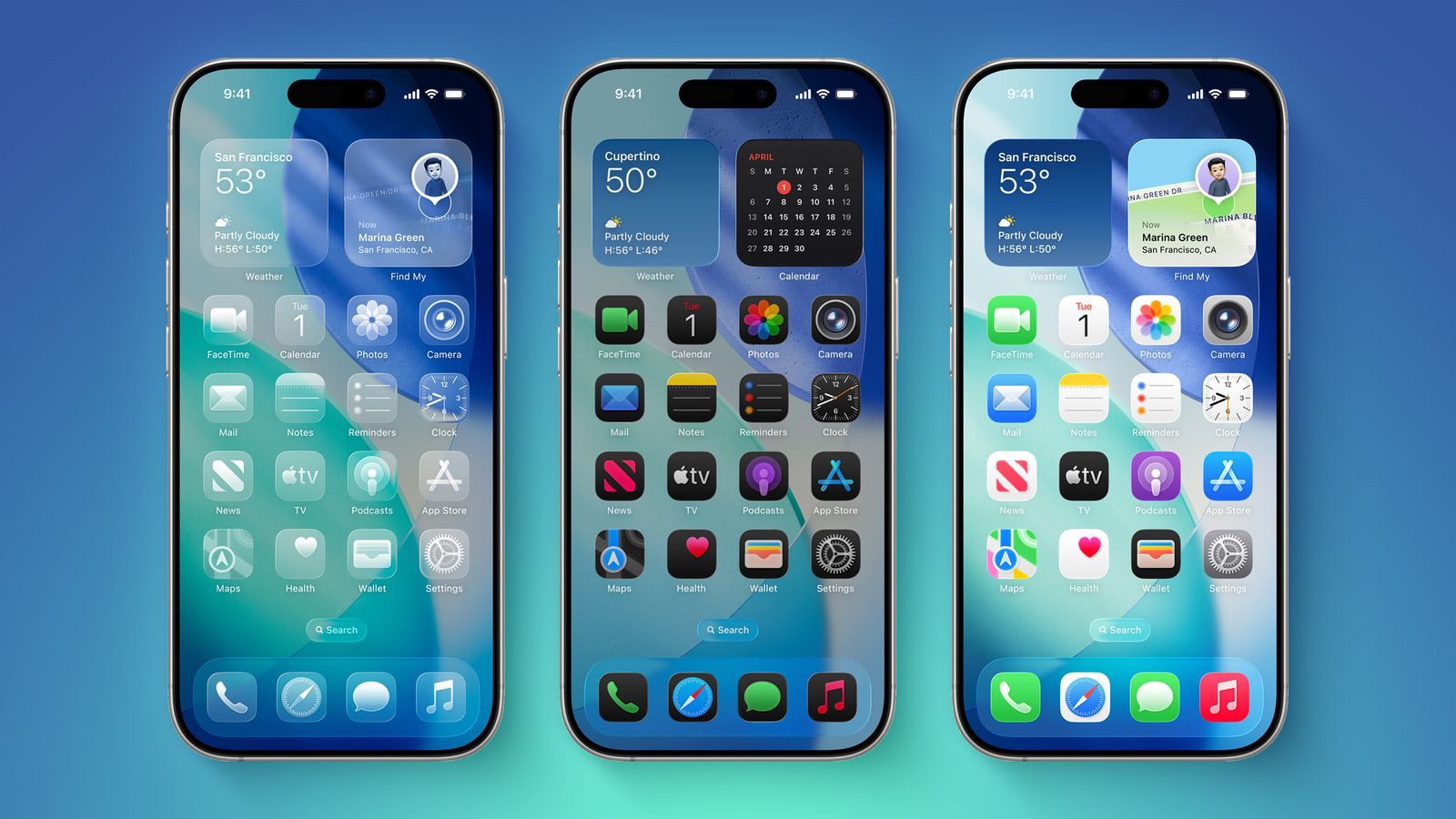
iOS 26 is Apple’s most ambitious revamp in years. The entire interface now shimmers with Liquid Glass, a translucent layer that morphs as you scroll, and an updated Apple Intelligence powers live call translation and a souped-up Visual Intelligence search. You’ll also see other perks, like call screening and personalized text message chats.
Here’s everything you need to know about downloading the iOS 26 public beta on your iPhone.
Check out: How to Download the iOS 26 Developer Beta on Your iPhone
First, does your iPhone even support iOS 26?
iOS 26 needs at least an A13 Bionic chip, so only the iPhone 11 and newer models qualify. Apple Intelligence features stay exclusive to the iPhone 16 line and iPhone 15 Pro and Pro Max.
Here’s the full list of iPhones that support iOS 26
- iPhone SE (second generation and later)
- iPhone 11
- iPhone 11 Pro
- iPhone 11 Pro Max
- iPhone 12
- iPhone 12 Mini
- iPhone 12 Pro
- iPhone 12 Pro Max
- iPhone 13
- iPhone 13 Mini
- iPhone 13 Pro
- iPhone 13 Pro Max
- iPhone 14
- iPhone 14 Plus
- iPhone 14 Pro
- iPhone 14 Pro Max
- iPhone 15
- iPhone 15 Plus
- iPhone 15 Pro
- iPhone 15 Pro Max
- iPhone 16
- iPhone 16 Plus
- iPhone 16 Pro
- iPhone 16 Pro Max
- iPhone 16E
Next, a warning…
A public beta is typically more stable than a developer beta, but it’s still a beta, which means you may deal with bugs and other critical issues that could negatively affect your phone. If you have a spare iPhone in your drawer somewhere, use that to run any iOS 26 beta, whether it’s the developer or public version.
In my personal experience, it’s usually fine to run a public beta on your main phone. You may encounter a bug here and there, maybe a function in a third-party app doesn’t work exactly as intended because it’s not yet optimized for any iOS beta software. It’s never crippling, just maybe a little bit annoying, and if you don’t mind that, running the iOS 26 public beta on the iPhone you use every day shouldn’t be a big deal.
Also, before you think of updating to iOS 26, first archive a backup on your computer in case you want to revert to iOS 18.
How to download the iOS 26 public beta on your iPhone
As long as you know the risks and have backed up your phone, you can download the iOS 26 public beta. Here’s what you need to do:
- On the iPhone you want to update, open Safari and visit beta.apple.com. Sign in with your Apple account. If you’re new to the program, tap Sign Up and follow the prompts to accept Apple’s beta agreement.
- Next, tap the iOS tab and you should see more information about the iOS 26 public beta.
- Under Get Started, hit the blue enroll your iOS device link.
- Now go to Settings > General > Software Update > Beta Updates and choose iOS 26 Public Beta.
- Finally, go to Settings > General > Software Update and install the iOS 26 public beta.
Once your phone reboots, you should be running the iOS 26 public beta.
See also: What is Apple’s Liquid Glass Design? Here’s What You Need to Know