On June 9, at Apple’s annual Worldwide Developers’ Conference, Apple unveiled a series of design changes that have been implemented across all software platforms.
The company’s goal was the creation of a unified design language that would lead to a harmonious experience when moving between different Apple products. The new design is called Liquid Glass.
What is Liquid Glass?
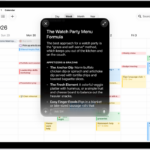
Liquid Glass is a new Apple’s user interface designed which combines the optical properties of glass with a sense of fluidity. This translucent look can refract and reflect whatever’s behind it and adapt its tint for both light and dark modes.
The operating systems now have a similar look across the board, with a glass-like aesthetic inspired by visionOS. Apple’s new "Liquid Glass" material behaves like real-world glass, particularly in the way that it refracts light and reacts to movement dynamically with specular highlights. Apple says it uses real-time rendering to achieve these effects
It adjusts based on the content you’re watching, making it somewhat reminiscent of the blur effects introduced with iOS 7. The new material extends to various user interface elements, including buttons, switches, and more.
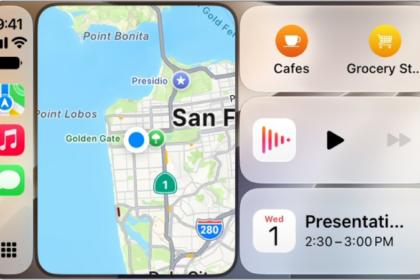
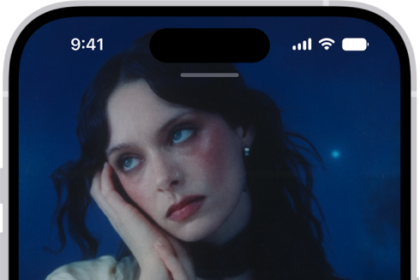
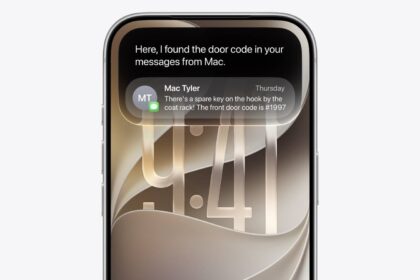
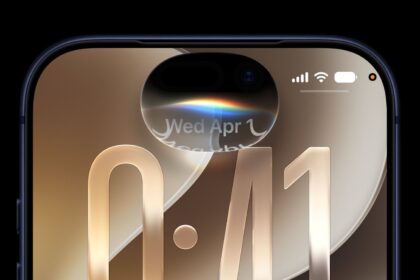
For instance, on the iPhone’s Lock Screen, the time numerals can now "nestle" into your wallpaper and pick up its colors. Meanwhile, in MacOS 26, the Dock and menu bar can go fully transparent or take on tinted or clear looks that let your wallpaper, widgets, and icons shine. And across apps like Safari, Apple Music, News, and Podcasts, tab bars float in a frosted-glass layer — shrinking when you scroll down to put content front and center and re-expanding when you scroll back up.
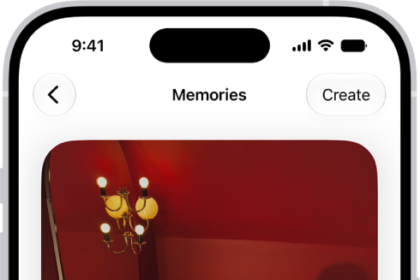
Liquid Glass is used across new dynamic operating system elements that adjust according to the user’s needs, allowing for a more intuitive experience. This means that tab bars can shrink and expand as needed. User interface elements designed for rectangular displays have now now feature rounded corners, much like Apple’s more recent hardware releases.
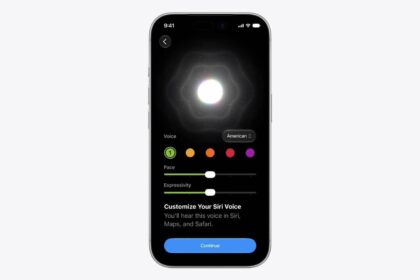
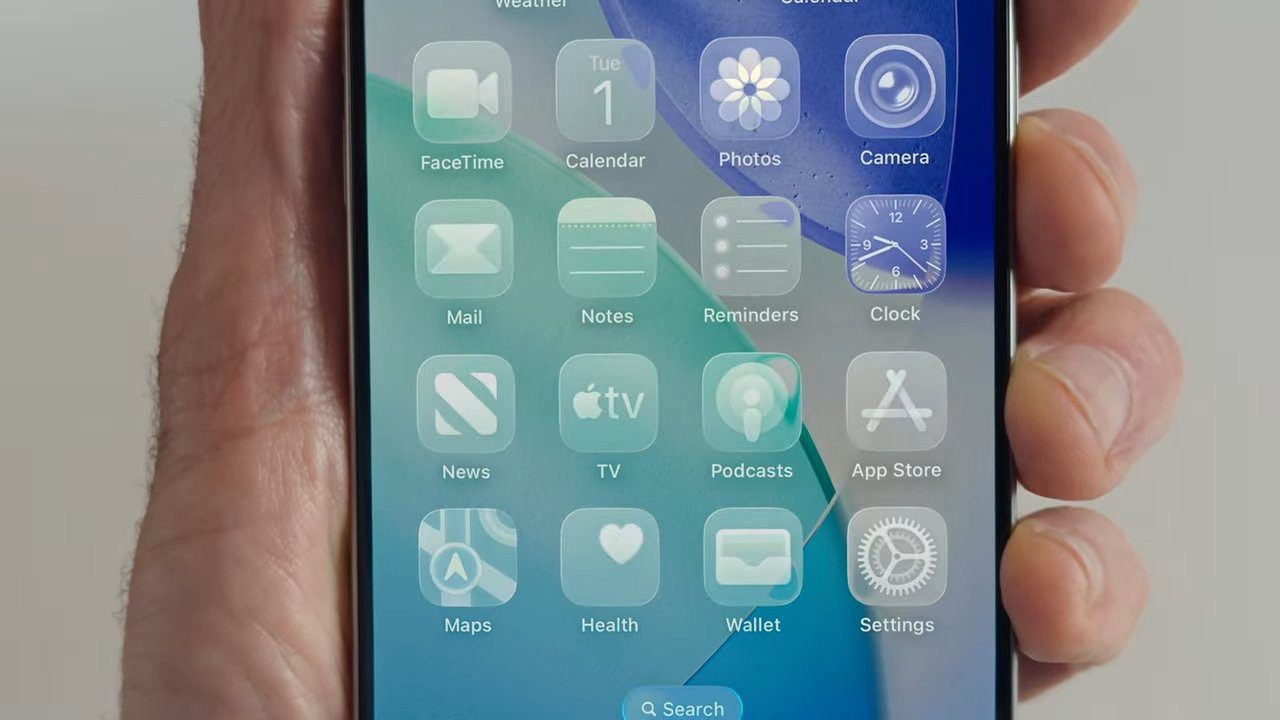
The new Liquid Glass design language extends to the entirety of Apple’s operating systems, including the Control Center, Lock Screen, Notification Center, Lock Screen, and widgets. iOS 26 features new Home Screen icons that were made using multiple layers of Liquid Glass, and there’s even a new Clear look, in addition to the existing Light and Dark modes.
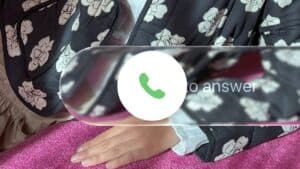
The Clear look is available on macOS Tahoe 26 as well, making it so that both the Dock, its apps, and the Menu Bar all become transparent. This makes the display appear larger, according to Apple. On iOS, the Lock Screen clock now uses the same Liquid Glass material and it adapts to the image chosen by the user. The clock shrinks and expands as needed.
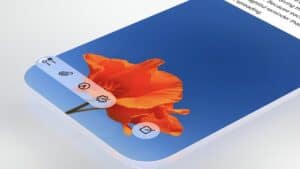
Developers will also have access to an updated set of APIs, which will allow them to use the new Liquid Glass design for their own applications.
Apple says the new design blurs the lines between hardware and software, and explains that Liquid Glass was made through the close collaboration of the company’s hardware and software development teams. Apple called the new material its "broadest design update ever."
Liquid Glass Features
- Glass reflections: A new translucent material refracts its surroundings, adapts its tint for light or dark modes, and reacts with specular highlights.
- App icons: New squircle glyphs sit beneath transparent surfaces that bend wallpaper colors and animate subtly with a tap.
- Widgets: Glass panels let your background peek through, cast gentle shadows, and animate ever so slightly.
- Navigation bars: In iOS 26, tab bars shrink on scroll-down and re-expand on scroll-up; on iPadOS and MacOS, sidebars refract whatever’s behind them to keep context.
- Panels and menus: Control Center, Notification Center, and sidebars sport a frosted look, with sliders, buttons, and sheets floating above content.
- Toolbars: In Safari and similar apps, toolbars turn semi-transparent and resize fluidly as you scroll.
- Developer APIs: A new set of Liquid Glass materials and components is available to third-party developers, enabling apps easily to adopt the same translucency and motion-responsive effects.
Which platforms get Liquid Glass?
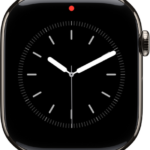
Liquid Glass is available on iOS 26, iPadOS 26, macOS Tahoe 26, watchOS 26, and even tvOS 26.
See also: How to Turn OFF iOS 26 Liquid Glass Design on iPhone & iPad