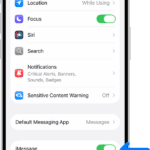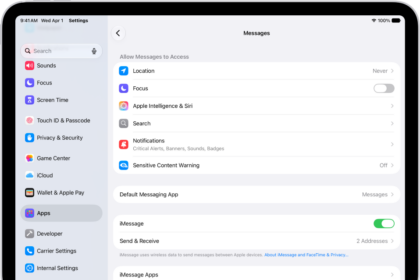
How to set up Messages on iPad
You can set up Messages on iPad, turn on iMessage, sync messages across devices, and…
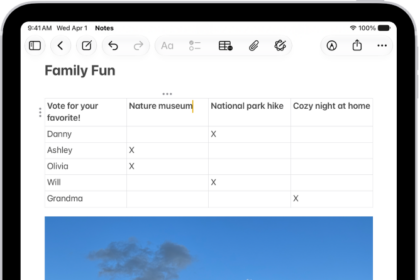
How to add emoji, Memoji, and stickers with the iPad keyboard
You can add emoji, Memoji, and stickers with the iPad keyboard, choose skin tones, and…
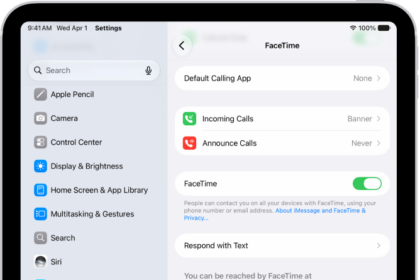
How to set up FaceTime on iPad
You can set up FaceTime on iPad by signing in with your Apple Account in…
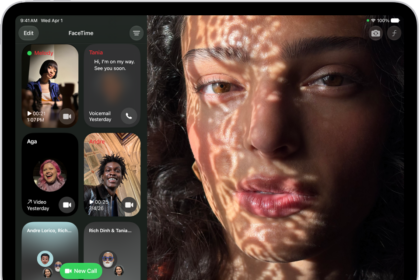
How to receive FaceTime calls on iPad
You can receive FaceTime calls on iPad, answer or decline them, view video messages, and…
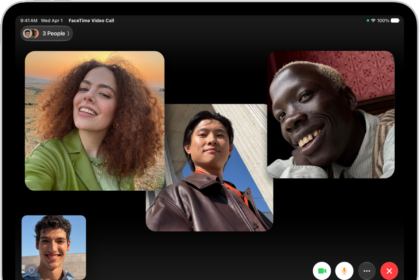
How to make a Group FaceTime call on iPad
You can make a Group FaceTime call on iPad with up to 32 participants, or…
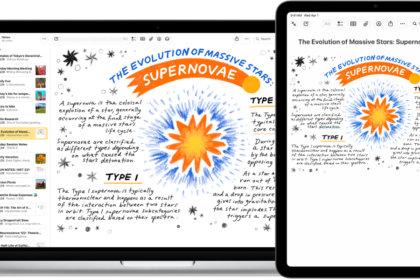
How to insert sketches, photos, and scans from your iPad on Mac
You can insert sketches, photos, and scans from your iPad on Mac with Continuity Camera…
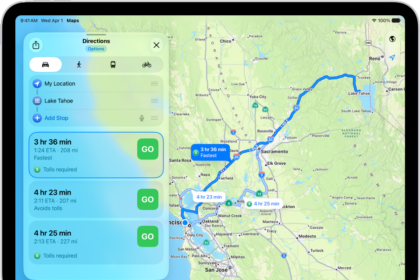
How to change how you hear directions in Maps on iPad
You can change how you hear directions in Maps on iPad, adjust the volume, choose…
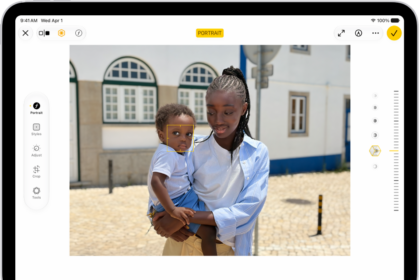
How to edit Portrait mode photos on iPad
You can edit Portrait mode photos on iPad, change the Portrait Lighting effect, blur the…

How to edit photos and videos on iPad
You can edit photos and videos on iPad, adjust light and color, add filters, use…
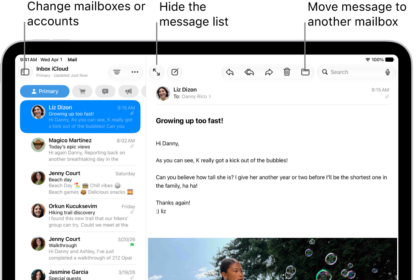
How to check your email in Mail on iPad
You can check your email in Mail on iPad, read or summarize messages, use Remind…