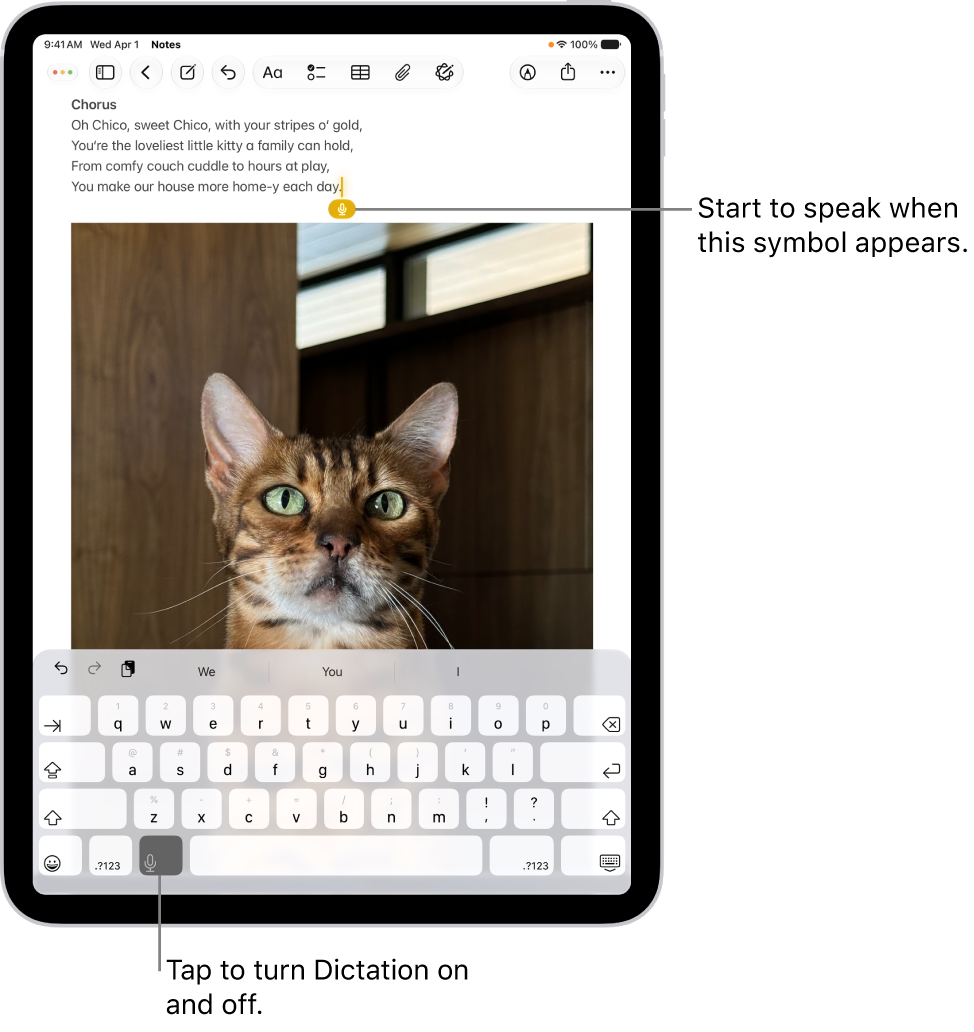
When you dictate text on iPad, you can use commands for punctuation, formatting, capitalization, and more. In some languages, you can insert emoji using your voice while dictating.
The commands listed below are always available while you’re dictating text. To insert an emoji, you can say something like “heart emoji” or “car emoji,” and in some languages, Dictation automatically adds certain punctuation as you go.
Here are the commands for dictating text on iPad.
Note: Dictation may not be available in all languages or in all countries or regions, and features may vary.
When using Dictation, cellular data charges may apply. See View or change cellular data settings.
Punctuation
| Command | Result |
|---|---|
| Period | . |
| Comma | , |
| Exclamation point | ! |
| Question mark | ? |
| Dollar sign | \$ |
| Open parenthesis | ( |
| Close parenthesis | ) |
| Quote | “ |
| End quote | “ |
| Colon | : |
| Semicolon | ; |
| Hashtag | # |
For some languages, Dictation automatically adds certain punctuation as you dictate text.
Format text
| Command | Result |
|---|---|
| Cap | Capitalize the next word |
| Caps on … caps off | Capitalize the first character of each enclosed word |
| All caps | Make the next word all uppercase |
| All caps on … all caps off | Make the enclosed words all uppercase |
| No caps on … no caps off | Make the enclosed words all lowercase |
| No space | Eliminate the space between two words (not available for all languages) |
| No space on … no space off | Run a series of words together (not available for all languages) |
| New paragraph | Start a new paragraph |
| New line | Start a new line |
Change, insert, and delete text
Dictation commands to edit text are available in U.S. English on supported iPad models.
| Command | Result |
|---|---|
| Change … to … | Replace existing text with new text |
| Insert … before … | Insert new text before existing text |
| Insert … after … | Insert new text after existing text |
| Select … | Select text |
| Delete … | Delete text |
| Delete all | Delete all text |
| Undo | Undo the action |
| Redo | Redo the action |
Insert emoji
You can insert emoji while dictating in certain languages. For example, say “heart emoji” for the heart emoji or “car emoji” for the car emoji. See below for more examples of emoji commands and the corresponding result.
| Command | Result |
|---|---|
| Smiley emoji |  |
| Halo emoji |  |
| Laugh out loud emoji |  |
| Heart eyes emoji |  |
| Amazing emoji |  |
| Yum emoji |  |
| Congrats emoji |  |
| Goofy emoji |  |
| Sick emoji |  |
| Scream emoji |  |
| Hug emoji |  |
| Fingers crossed emoji |  |
| Purple heart emoji |  |
| Cheers emoji |  |
| Celebrate emoji |  |
| Speech balloon emoji |  |
| Puppy emoji |  |
| Music emoji |  |
| Rainbow emoji |  |
| Present emoji |  |
See also