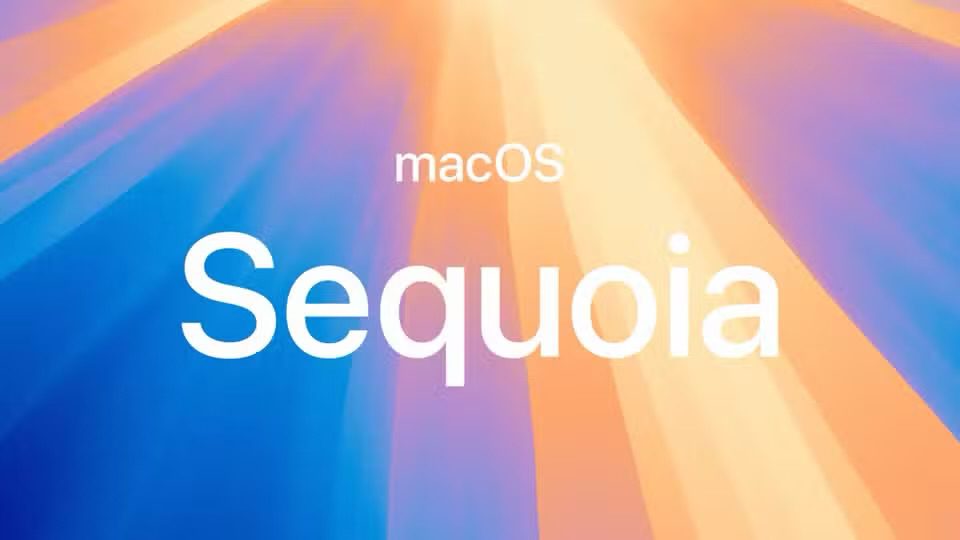
macOS Sequoia is the latest version of macOS, the operating system that runs on the Mac. It is named after the sequoia tree, which is a redwood that California is known for. macOS Sequoia, like iOS 18, is built around Apple Intelligence, which is what Apple calls its AI features.
MacOS Sequoia includes a variety of new features, including iPhone Mirroring, easy window tiling, new Photos features and capabilities, Apple Intelligence including AI Writing Tools, the ability to generate images with AI, a dramatically improved Siri with AI and ChatGPT connections, significant enhancements to Safari like AI summaries of web pages and a Highlights feature, the inclusion of a dedicated Passwords app, and much more.
If you’re interested in downloading the full installer for macOS Sequoia 15, you can find links below to do so. Additionally, you will find links to download a full restore IPSW firmware file for macOS Sequoia 15, which makes it easy to either restore an Apple Silicon Mac, or easily setup a virtual machine for macOS Sequoia.
MacOS Sequoia 15 Installer Download Links
MacOS Sequoia installer files are available to download directly from Apple as a standard InstallAssistant PKG file. Additionally, you can download a macOS Sequoia IPSW firmware file:
- MacOS Sequoia 15.4.1 InstallAssistant.pkg (Separately: MacOS Sequoia 15.4.1 IPSW)
- MacOS Sequoia 15.4 InstallAssistant.pkg
- MacOS Sequoia 15.4 IPSW
- MacOS Sequoia 15.3.2 InstallAssistant.pkg
- MacOS Sequoia 15.3.2 InstallAssistant.pkg for M4 MacBook Air and M4 Mac Studio
- MacOS Sequoia 15.3.2 IPSW firmware
- MacOS Sequoia 15.3.2 IPSW for M4 MacBook Air and M4 Mac Studio
- MacOS Sequoia 15.3.1 InstallAssistant.pkg
- MacOS Sequoia 15.3.1 IPSW firmware
- MacOS Sequoia 15.3 InstallAssistant.pkg
- MacOS Sequoia 15.3 IPSW firmware
- MacOS Sequoia 15.2 InstallAssistant.pkg
- MacOS Sequoia 15.2 IPSW firmware
- MacOS Sequoia 15.1.1 InstallAssistant.pkg (build 24B91)
- MacOS Sequoia 15.1.1 InstallAssistant.pkg (build 24B2091 — M4 Mac only?)
- MacOS Sequoia 15.1.1 (build 24B91) IPSW
- MacOS Sequoia 15.1.1 IPSW (build 24B2091) — M4 Mac only
- MacOS Sequoia 15.1 InstallAssistant.pkg (Separately MacOS Sequoia 15.1 (build 24B83) IPSW)
- MacOS Sequoia 15.0.1 InstallAssistant.pkg (Separately: MacOS Sequoia 15.0.1 (build 24A348) IPSW
- MacOS Sequoia 15.0 InstallAssistant.pkg FINAL (Separately: MacOS Sequoia 15.0 (build 24A335) IPSW)
- MacOS Sequoia 15 Developer Beta 3 InstallAssistant.pkg
- MacOS Sequoia 15 Developer Beta 2 InstallAssistant.pkg(Separately: Sequoia developer beta 2 IPSW)
- MacOS Sequoia 15 Developer Beta 1 InstallAssistant.pkg(Separately: Sequoia developer beta 1 IPSW)
Downloading MacOS Sequoia 15 Installer via Command Line
Another option is available for more advanced users to download the MacOS Sequoia 15 installer directly from Apple to their Mac, by way of the command line.
From the Terminal application, use the following command:
softwareupdate --download --fetch-full-installer --full-installer-version 15.0
Hit return, and the download for the latest available version of MacOS Sequoia 15 will begin.
When finished downloading, the latest version of "Install MacOS Sequoia.app" will be in the /Applications folder.
If you’re looking for other installers for MacOS, you can download any version of a MacOS installer that is available here.