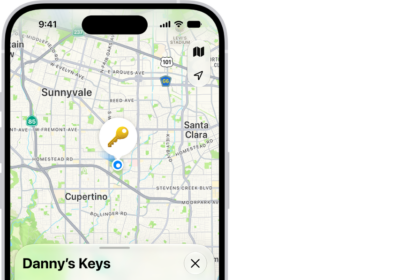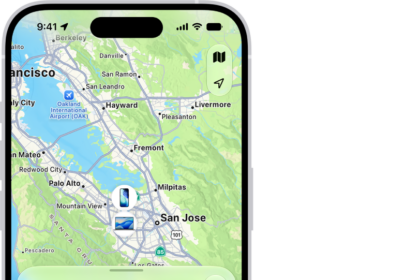
Find My is a great feature that can help you locate your Apple device if you have lost or misplaced it. But what do you do if Find My says Offline, No location found, No location available or Location Services Off? If you are just looking in Find My when your iPhone isn’t lost, or if you know it is around somewhere, you will want to know how to fix the problem. If you have already lost your iPhone, you will want to know how to find it even though it is offline in Find My.
What does it mean when Find My says Offline?
When you are looking at Find My, either through iCloud.com or using the Find My app on another device, and your iPhone shows as Offline, this means that your iPhone 18 Pro is unable to communicate with Find My.
Find My can still locate your device even if it ran out of battery or was turned off. It can also use Bluetooth or NFC to communicate with other Apple devices nearby to transmit its location.
Why Find My says Offline
Here are some of the reasons Find My may say Offline:
- The device is turned off or has run out of battery.
- The device is not connected to the internet.
- Airplane Mode may be on, cutting off Wi-Fi and cell signals.
- The SIM card or eSIM may have been removed, cutting off cell signals.
- There are incorrect date and time settings.
- The device has a weak internet connection.
- There is no Find My support in the area (country).
Note: iPhone 18 Pro and iPhone 18 Pro Max sold in the United States use eSIM technology and are not compatible with physical SIM cards.
Can I still find my iPhone?
If your iPhone 18 Pro says Offline in Find My and you still have your phone with you, there are things you should do to make sure Find My will be able to help you locate your iPhone in case you lose it in the future.
If you don’t still have your iPhone, there are a few things you can try to locate it.
What to do when Find My says Offline (and you know where your iPhone 18 Pro is)
- Update your iPhone to the latest iOS. Go to Settings > General > Software Update and install any available updates.
- Share the device location with Find My. Go to Settings > [your Apple Account name] > Find My. Tap on Find My iPhone. Make sure Find My iPhone, Find My network and Send Last Location are on.
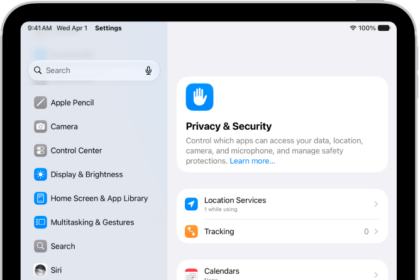
- Turn on Location Services. Go to Settings > Privacy & Security > Location Services.
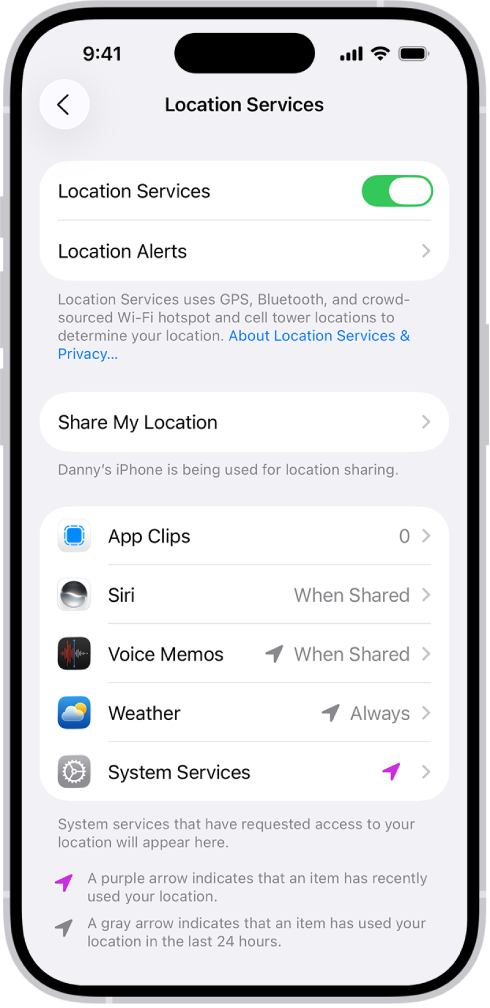
- Turn off Airplane Mode.
- Make sure the date and time are set correctly. Go to Settings > General > Date & Time.
- If possible, switch to a more stable Wi-Fi or cellular data connection.
- Enable Bluetooth and Wi-Fi. Go to Settings > Bluetooth and Settings > Wi-Fi.
How to locate your offline iPhone
So the obvious strategies include looking for it in the real world:
- Retrace your steps.
- Contact the locations you have been to.
- Contact local police if you are afraid someone may have taken it.
There are still a few steps you can take to find your iPhone, even if it is offline in Find My:
- Check Find My periodically to see if it shows up. Your offline iPhone can still communicate with other Apple devices, and so if there are any nearby, you may be able to track the phone in Find My. Also, if someone picked up your iPhone that had run out of battery or been turned off, they may charge it.
- Call your iPhone.
- If you use Google Maps on your iPhone 18 Pro, check Google Maps Timeline.
- Call your cell carrier. They may be able to help locate your phone.