Sometimes, I experience this problem. I use the web version of Gmail. To check my emails, on my iPhone 18 Pro, I open Safari and go to gmail.com. However, sometimes, Safari displays a blank white page and I can’t load Gmail.
I find this situation frustrating not being able to check my emails. Is Gmail not working for you on your iPhone? Is Gmail redirecting you to a blank page? If you are experiencing this issue, this article lists possible steps to fix this problem.
It seems that some users are having the same problem with the Gmail app. The tips below may also help you resolve this problem.
Blank Gmail
1- Clear Web Site Data
Clearing the history, cookies, and cache of temporary web files saved with your web browser may fix this issue. So follow these steps:
- On your iPhone 18 Pro, go to Settings
- Tap Apps, then tap Safari
- Scroll down
- Tap Clear History and Website Data and confirm again when you are asked to confirm.
2- Restart the Safari app
Quitting and reopening the Safari app may fix this problem. Here is how:
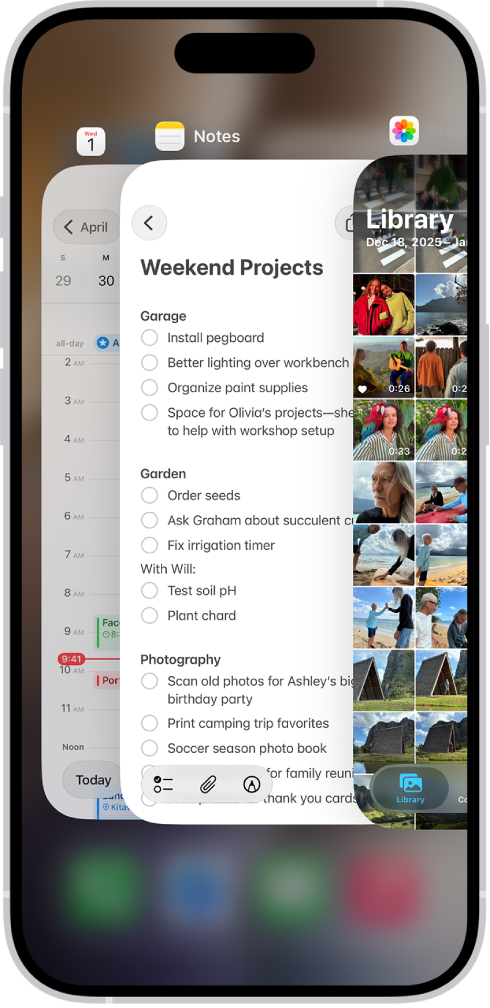
- Swipe up from the bottom of the screen and pause, then swipe up on the Safari preview to close it. Then reopen and try to load gmail.com
3-Restart your iPhone 18 Pro
Simply restarting your device may help you. You can turn off your iPhone 18 Pro by going to Settings > General > Shut Down.
4- Update your iPhone 18 Pro
Simply update your device to the latest version of iOS. Here is how:
- On your iPhone, open the Settings app
- Tap General
- Tap Software Update
If you are still having issues, you may want to contact Google Support.