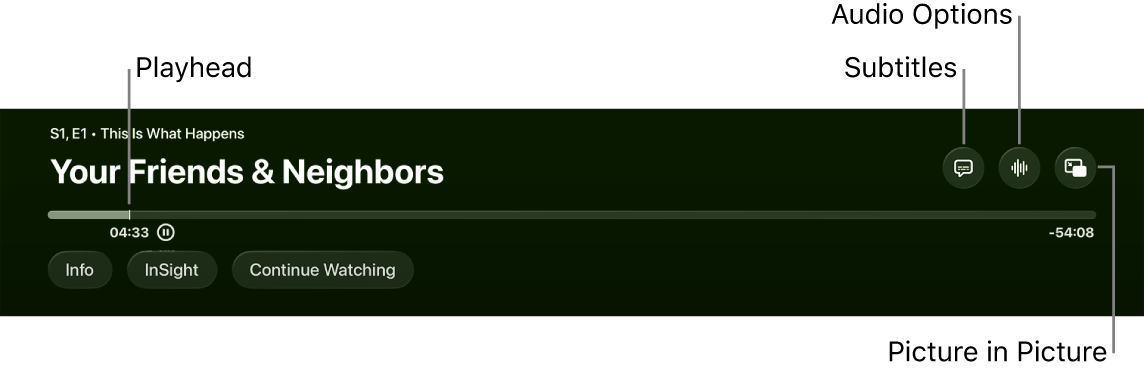
You can add Voice Isolation as an option to the Enhance Dialogue feature on Apple TV 4K. It’s one of the accessibility settings, and it’s meant for people who need maximum clarity when they’re watching. Once it’s on, you can activate Isolate from audio playback controls. Dialogue is then completely isolated, and other elements of the audio mix are substantially reduced. Not all features and content are available in every country or region, or on all Apple TV hardware models, though.
Here’s how to add Voice Isolation to Enhance Dialogue on your Apple TV 4K.
- Go to Settings on Apple TV 4K.
- Go to Accessibility and then select Add Voice Isolation to turn it on.
Not all features and content are available in all countries or regions or on all Apple TV hardware models.
See also