You can adjust the sound of the camera shutter, or mute it using the Ring/Silent switch on the side of your iPhone, or the Action button on models that have one. The shutter doesn’t make a sound when Live Photos is on, though in some countries and regions, it can’t be muted.
Change the volume of the shutter sound in Photo mode
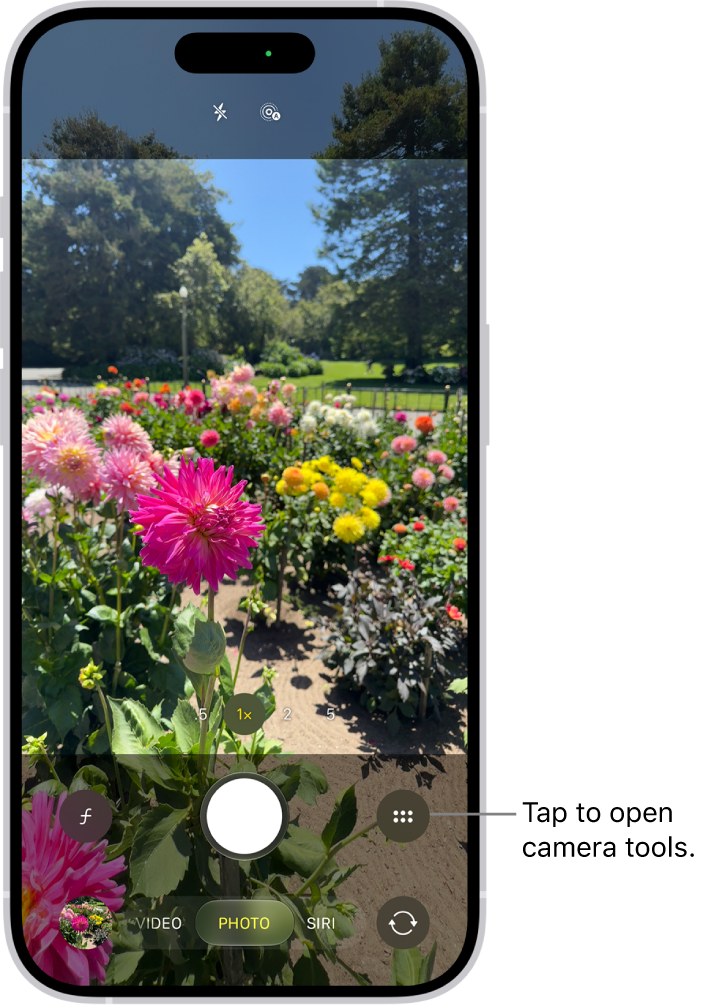
- Open Camera on your iPhone.
- Open Control Center and drag the volume slider up or down.
- Swipe up from the bottom of the screen to go back to Camera.
Note: The shutter doesn’t make a sound when Live Photos is turned on (except in some countries and regions).
Mute the shutter sound
The Ring/Silent switch on the side of your iPhone can mute the shutter sound. When the switch shows orange, iPhone’s in Silent mode, and setting the switch back turns Silent mode off.
Some iPhone models have an Action button instead of a Ring/Silent switch. Press the Action button to turn Silent mode on or off.
Note: In some countries and regions, you can’t mute the shutter sound.