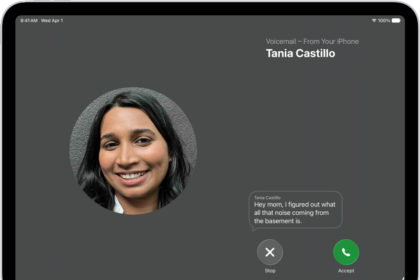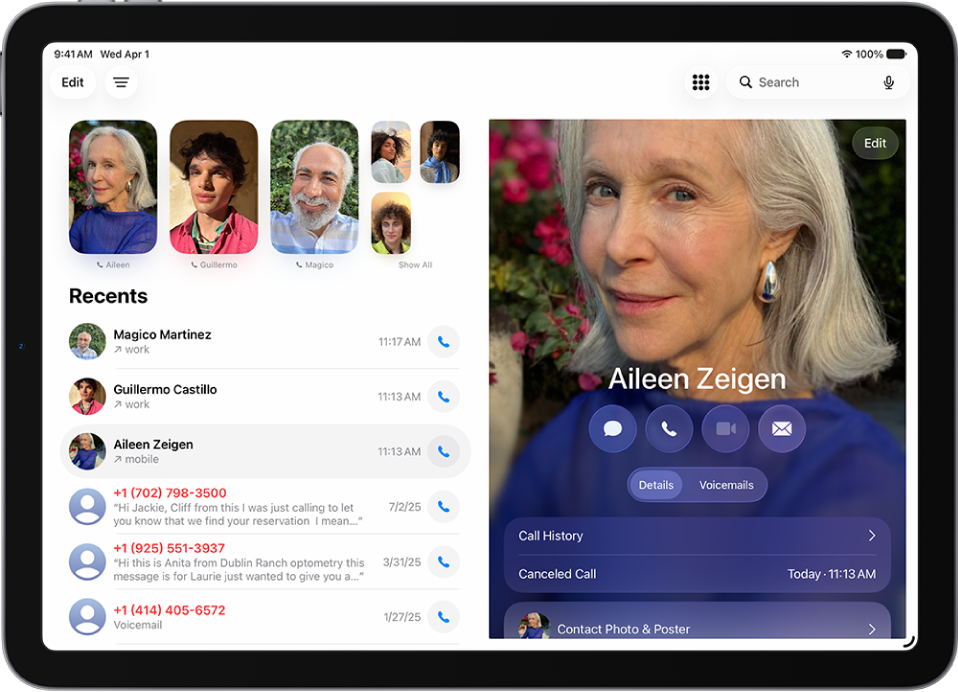
On iPad, you can change your voicemail greeting, password, and alert sounds.
You can record a custom greeting in the Phone app on your iPad, though recording isn’t supported by all carriers or in all countries and regions. You can also change your voicemail password, and choose a new alert sound for new voicemail from the list or purchase one from the Tone Store. And you can change your Contact Photo & Poster, too.
Change your voicemail greeting
- Start the Phone app on your iPad.
- Tap the Filter button and tap Voicemails.
- Tap Edit and then tap Edit Voicemail Greeting.
- Tap Custom and tap Record (not supported by all carriers or in all countries and regions).
Change your voicemail password
- Start the Settings app on your iPad.
- Tap Apps, then tap Phone.
- Tap Change Voicemail Password, then enter the new password.
Change your voicemail alert sound
- Start the Settings app on your iPad.
- Tap Sounds and tap New Voicemail.
- Tap a new alert sound from the list, or tap Tone Store to purchase one.
Note: For changing your Contact Photo & Poster, see our guide, Add or edit your avatar and poster.
See also