On iPhone, you control which of your contacts an app can access. The first time an app wants to access your contacts, you receive a request from the app, along with an explanation. For example, a messaging app may ask to access your contacts in order to find friends who are using the same app.
After you grant or deny the app’s request, choose which contacts the app can access, all of them or just a few, with Limited Access. You can always change the access you granted later.
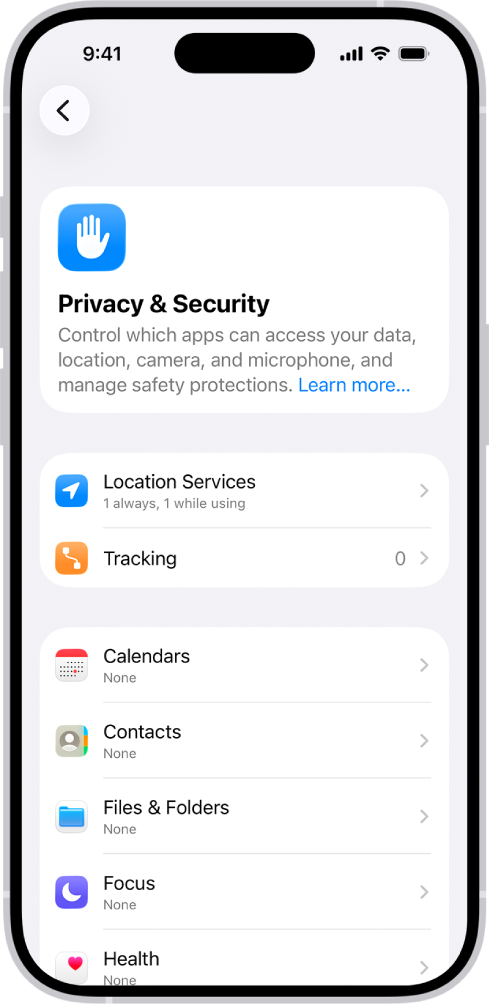
- Open Settings and then tap Privacy & Security.
- Tap Contacts, then tap the app.
- Choose how much access to your contacts you’re giving the app (below Contacts Access).
- If you’re giving Limited Access, tap Edit Selected Contacts to choose individuals.
Select or deselect individual contacts, then tap Done.