On iPhone, you can use suggestions from Siri that appear on CarPlay Dashboard, or use Siri directly, to control your Apple Home-enabled accessories, such as garage doors, lights, and door locks, from your car. Siri’s suggestions show up right on the Dashboard.
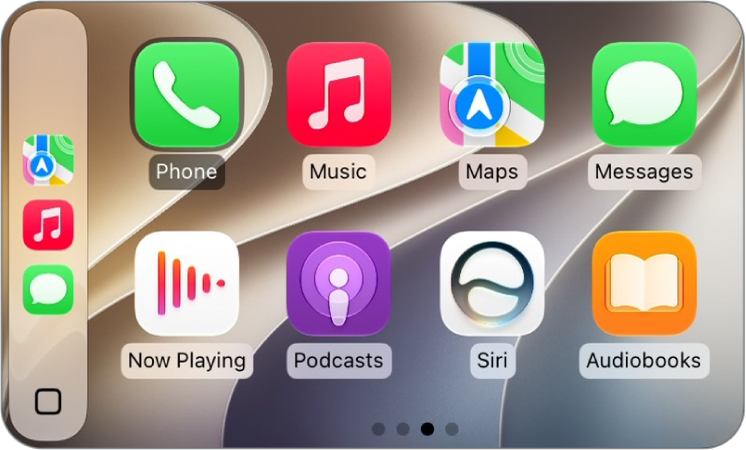
How to control your home from CarPlay
You can use Siri or Siri suggestions in CarPlay to control Apple Home accessories, such as garage doors, lights, and door locks.
Kristina is a staff writer at GeeksChalk, and is interested in all things Apple. This includes its best products such as the iPad, iPhone, Mac, AirPods, and Apple Watch. When she's not tinkering with the latest Apple gear, you’ll find her watching movies, taking pictures and exploring the great outdoors.
Leave a Comment Leave a Comment