How to get wallpaper suggestions in Photos on iPhone

You can get wallpaper suggestions in Photos on iPhone that stylize photos of your favorite people and pets for your Lock Screen and Home Screen.

By Abigail Shilets - Staff Writer
0 Min Read

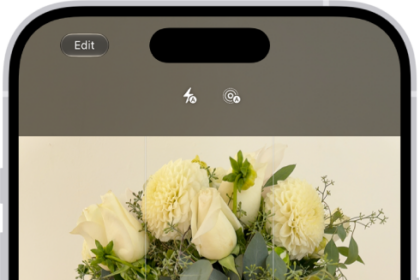
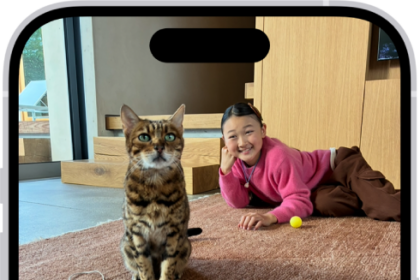
On iPhone, you can get wallpaper suggestions for your Lock Screen or Home Screen that stylize photos of your favorite people and pets. They’re in the Photos app, below Wallpaper Suggestions in Collections, and you can use any of them as your wallpaper.
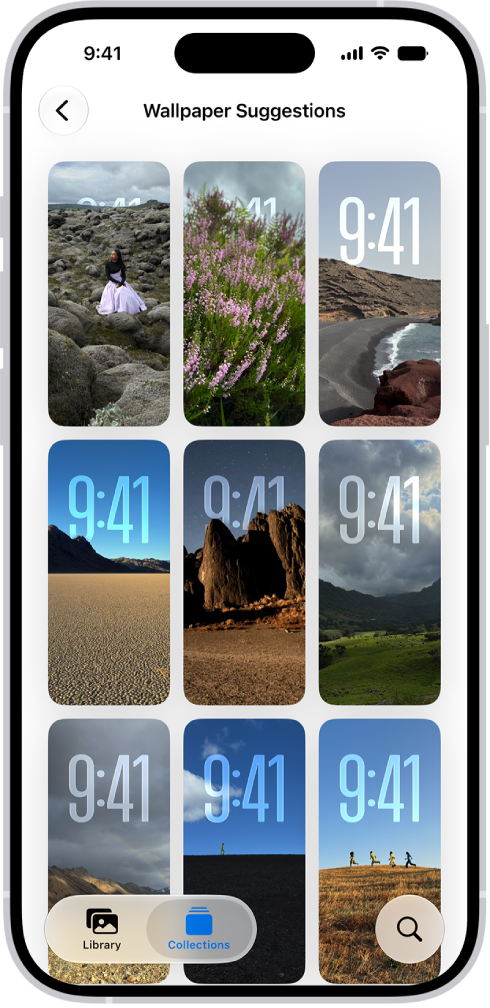
Wallpaper Suggestions is open in the Photos app. Automatically generated combinations of photos, filter effects, and clock face fonts appear in a grid of suggestions.

  1. Open the Photos app on your iPhone.
  2. Tap Collections.
  3. Swipe up and tap a suggested wallpaper (below Wallpaper Suggestions).
TAGGED:
Staff Writer
Follow:
Abigail is a staff writer for GeeksChalk based in Pennsylvania. She covers news, how-tos, and user guides for iPhone, iPad, Mac, and Apple Watch. Before becoming a writer Abigail studied computer science at University and also worked at Apple for more than two years. When not creating masterpiece for GeeksChalk, you can usually find Abigail hiking, climbing, or otherwise unplugged.
Leave a Comment