Lockdown Mode is an extreme protection feature for iPad, with safer wireless connectivity defaults, media handling, media sharing defaults, sandboxing, and network security optimizations. It’s optional, and should be used only if you believe you might be targeted by a highly sophisticated cyberattack, such as one by a private company developing state-sponsored mercenary spyware.
Important: Most people are never targeted by attacks of this nature.
Lockdown Mode changes how iPad typically works. For security, apps, websites, and features are strictly limited, and some functionality isn’t available.
Learn about Lockdown Mode
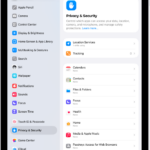
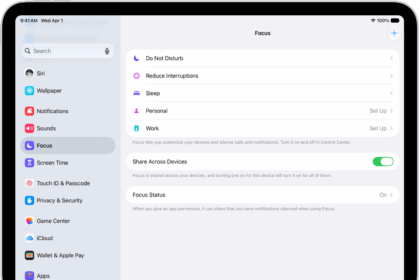
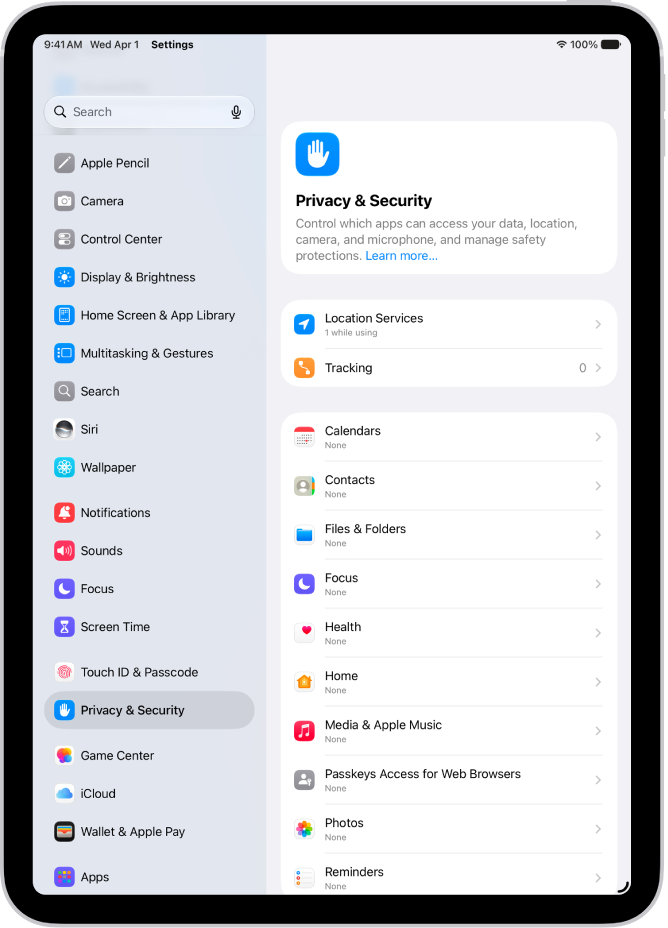
Go to Settings > Privacy & Security > Lockdown Mode, then tap Learn More.
Turn on Lockdown Mode
Go to Settings > Privacy & Security > Lockdown Mode, then turn on Lockdown Mode.
See also