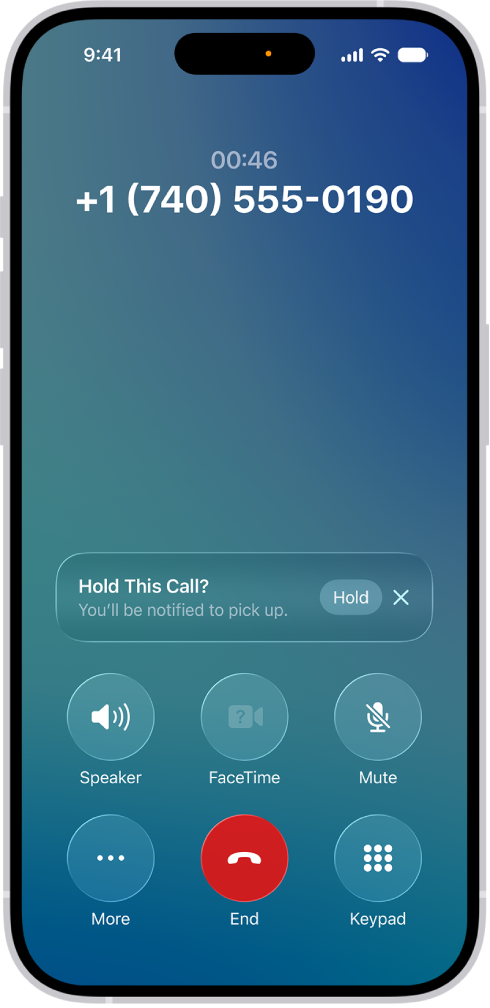
On iPad, when you’re on a phone call, you can add an additional caller or callers if you want to include more people in the conversation. If you get another incoming call, you can also respond to or ignore it.
Depending on your carrier, GSM lets you set up a conference call with up to five people, though conference calling may not be available with VoLTE or Wi-Fi Calling. While on the call, you can talk privately with one person, add an incoming caller, or drop someone.
Here’s how to have a conference or three-way call on iPad.
Start a conference or three-way call
With GSM, you can set up a conference call with up to five people (depending on your carrier).
Note: When your call uses VoLTE (Voice over LTE) or Wi-Fi Calling, conference calls, or parts of conference calling, might not be available.
- Start the Phone app on your iPad.
- While on a call on iPad, tap Add Call, make another call. Tap Merge Calls.
Repeat this step to add more people to the call.
- During the call, do any of the following:
- Talk privately with one person: Tap the More Info button. Then tap Private next to the name of the person. Tap Merge Calls to resume the conference call.
- Add an incoming caller on the same line: Tap Hold Call & Answer, then tap Merge Calls.
- Drop one person: Tap the More Info button next to the name of the person you want to drop and then tap End.
See also