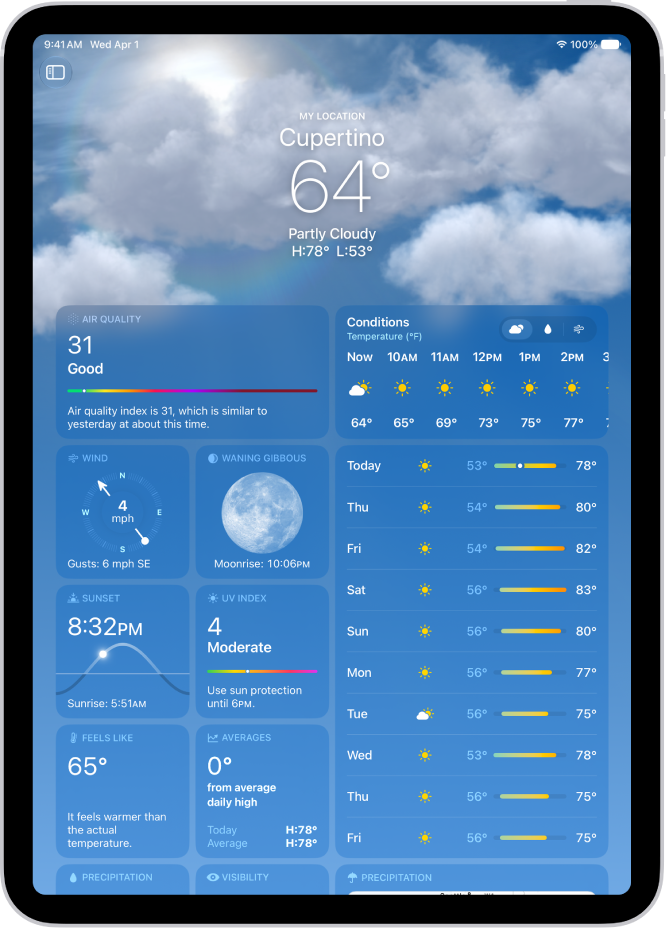
On iPad, you can receive notifications when precipitation or certain severe weather events are forecasted in your current location. You can also receive notifications for locations you saved in your list.
Turning on Precise Location gives you more accurate notifications for where you are, and you may be asked to allow notifications from the Weather app. You can get notified about places in your list, too.
Here’s how to manage weather notifications on iPad.
Note: Weather notifications aren’t available in all countries or regions.
Turn on Precise Location
When Precise Location is on, you get more accurate notifications for your current location.
- Start the Settings app on your iPad.
- Tap Privacy & Security and then tap Location Services.
- Tap Weather, then tap Always.
- Turn on Precise Location.
Get weather notifications
- Go to the Weather app on your iPad.
- Tap the More button in the sidebar, then tap Notifications.
If prompted, allow notifications from the Weather app.
If you don’t see the sidebar, tap the Show Sidebar button.
- Do any of the following:
- Get notified about the weather at your current location: Below Current Location, turn on notifications for Severe Weather and Next-Hour Precipitation.
- Get notified about weather in other locations: Below Your Locations, tap a location, turn on notifications for Severe Weather and Next-Hour Precipitation. Then tap the Back button.
- Tap the Done button.
See also