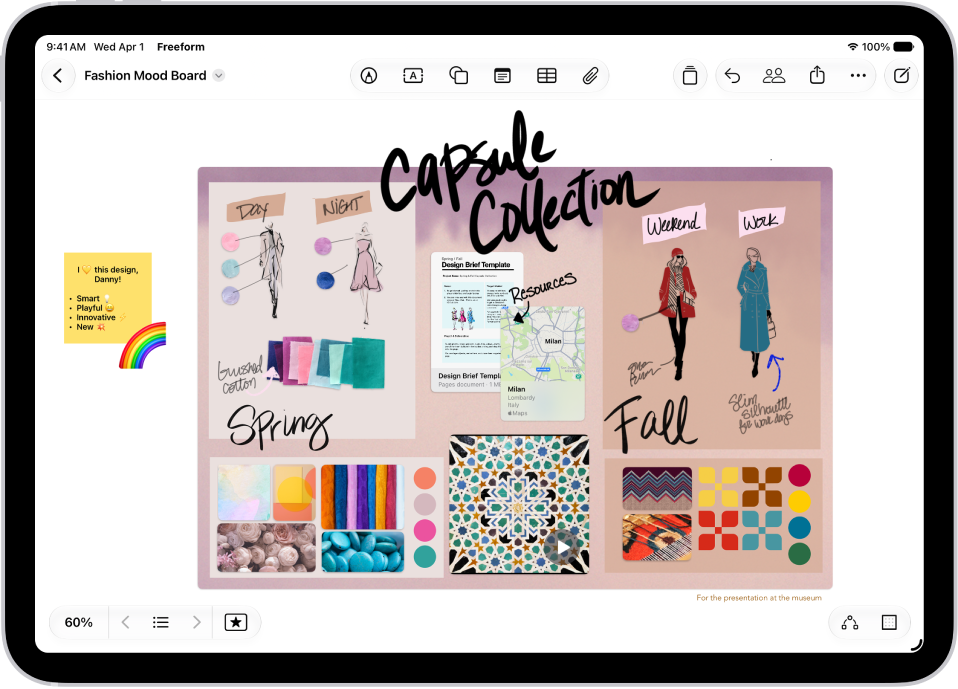
On iPad, you can search all your Freeform boards for text in handwriting, sticky notes, text boxes, shapes, and filenames. In the Freeform app, you can search within a board you’re in, or search all boards from the All Boards screen, where any board that contains the text appears in the results.
- Go to the Freeform app on your iPad.
- Do any of the following:
- Search within a board: Tap the More button at the top right. Tap Find.
- Search all boards: Tap the search field in the top-right corner of the All Boards screen. Any board that contains the text appears in the search results.
(If you’re in a board, tap the Back button to access Search in All Boards.)
See also