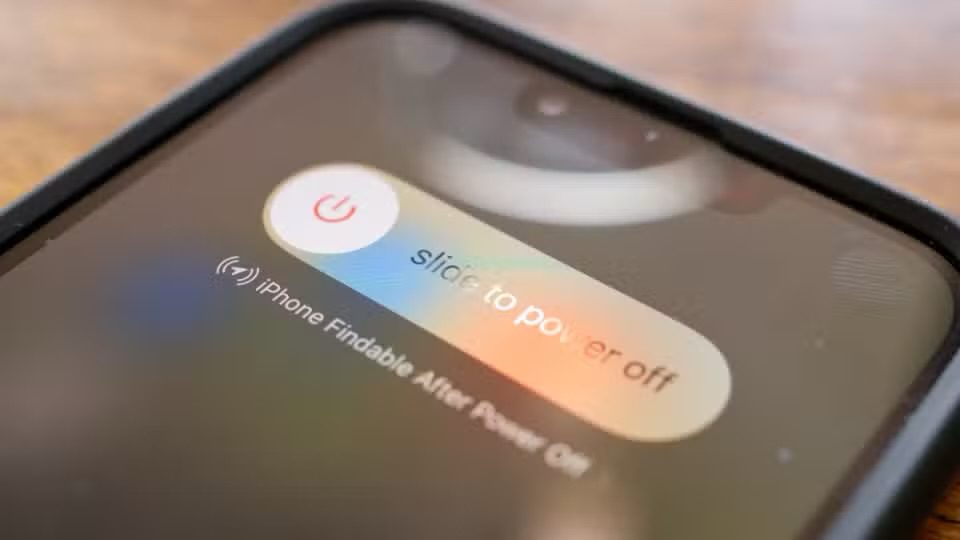
Normally, you don’t need to power your iPhone down. Instead, you simply put it to sleep when you’re not using it, and then wake it up when you need it again.
When you do need to power your iPhone down, do so in one of these ways:
Power Down iPhone Using Settings
From the Home screen, tap Settings ⇒ General ⇒ Shut Down. The Power Off screen appears. Slide the Slide to Power Off slider to the right.
Power Down iPhone From Control Center
Swipe down from the top right corner of the screen to open the Control Center. From Control Center, long-press the power icon in the upper-right corner, and then slide the Slide to Power Off slider to the right.
Power Down iPhone Using Physical Buttons
Quickly press and release the volume up button, quickly press and release the volume down button, and then press and hold the side button for a couple of seconds. The Power Off screen appears. Slide the Slide to Power Off slider to the right.
Power Down iPhone Using Siri
Activate Siri and say, "Hey Siri, turn off my iPhone." Siri should respond with a confirmation, asking, "Just to confirm, you want to power off this device?" Say "Yes" and your iPhone will shut down right away.
Power on iPhone
Press and hold the side button until the Apple logo appears.