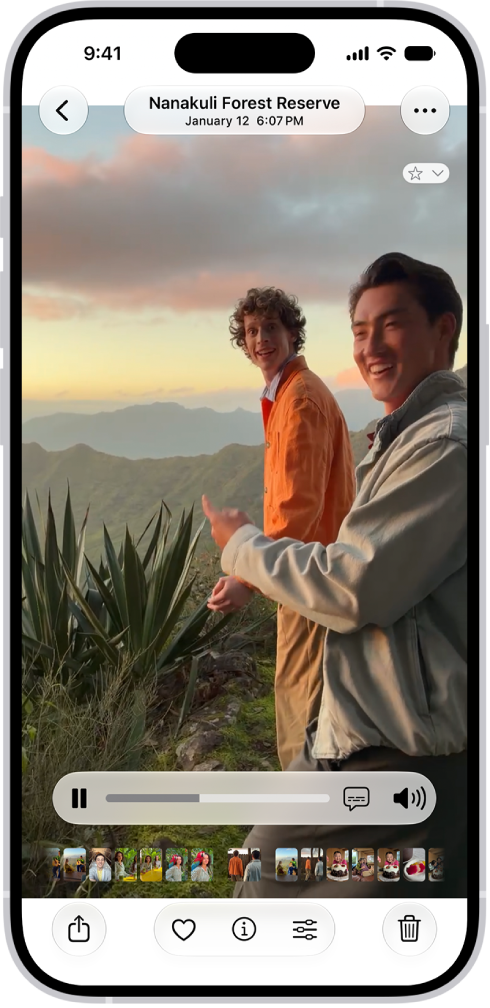
On iPhone, you can save a frame from a video as a photo. In the Photos app, you pause a video on the frame you want, and Save Video Frame as Photo adds it to your library. If your library is sorted by Captured, the new photo appears next to the original video.
- Open the Photos app on your iPhone.
- Open a video, then play it.
- Pause the video on the frame you want to save.
- Tap the More button and tap Save Video Frame as Photo.
You’ll find the new photo in your photo library, at the bottom if your library is sorted by Added. When sorted by Captured, the photo appears next to the original video.