On iPad, you can assign distinctive ringtones to certain people, and turn the ringer on or off. Clock alarms still play in Silent mode. To temporarily silence incoming calls, you can turn on or schedule a Focus, and you can also change the default sound that plays for a call, text, voicemail, email, reminder, or other notification.
Assign a different ringtone to a contact
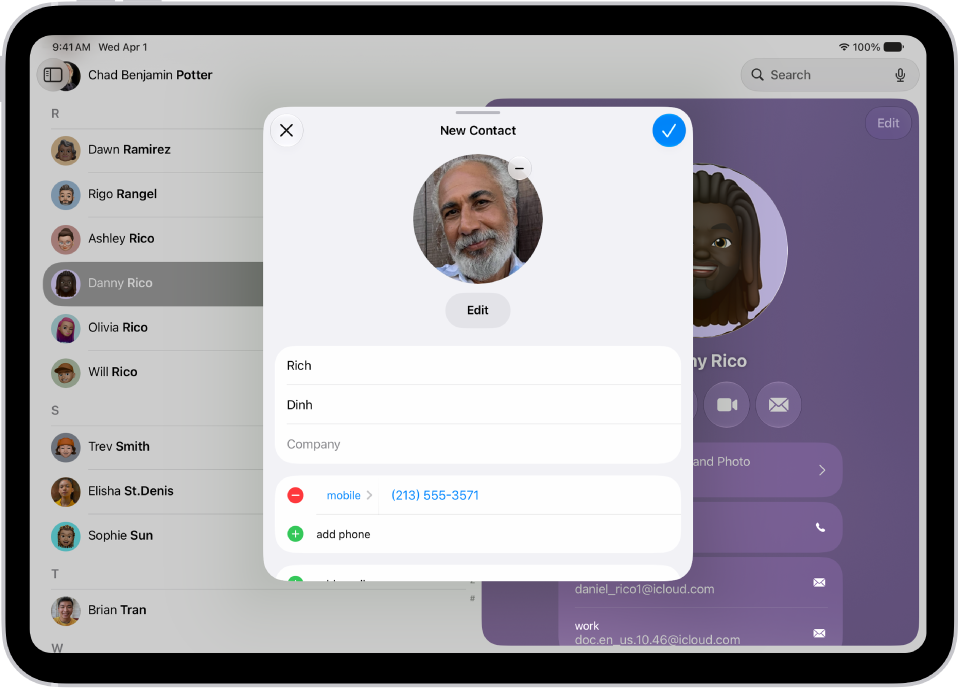
- Open the Contacts app on your iPad.
- Select a contact, tap Edit, tap Ringtone, and then choose a ringtone.
Turn the ringer on or off
- Open Control Center, then tap the Mute Switch button.
Clock alarms still play when Silent mode is on.
To temporarily silence incoming calls, turn on or schedule a Focus.
It’s also possible to change the default sound that plays when a call, text, voicemail, email, reminder, or other notification comes in. Read our guide, Change ringtone settings, to learn more about ringtones.
See also