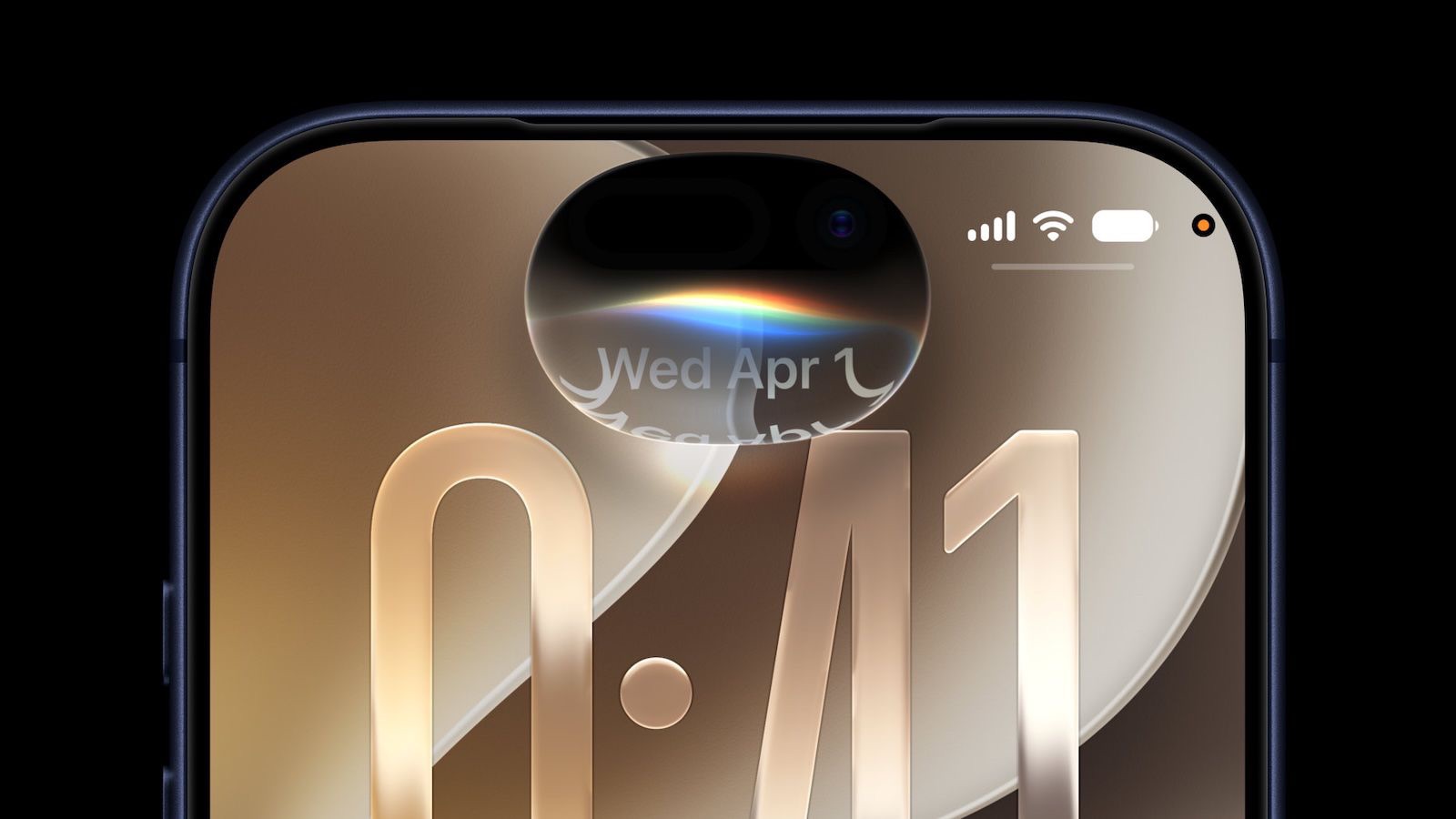
iOS 27 is available, but if you’re hoping to try the new Siri AI, you might have to wait for approval: Apple is using a waitlist.
To try the new Siri AI before everybody else, you need to ensure you have a compatible device. Apple limits the experience for users with an iPhone 15 Pro or newer, as it is the most "basic" device to get Apple Intelligence. However, to take advantage of all the features, including the Expressive Voices Preview announced during the WWDC 2026 keynote, you need an iPhone 17 Pro or another device with more than 12GB of RAM to run Siri’s new voice models.
See also: Why You Still Have Old Siri After Installing iOS 27
Although Siri AI is free, Apple does have daily limits on some capabilities like image generation. Opting into an iCloud Plus subscription plan increases AI limits. Siri AI is limited to English (Australia, Canada, Ireland, India, New Zealand, South Africa, UK, U.S.), and it is not available in the European Union on the iPhone or the iPad, but EU users can try it on Mac. Siri AI is not available in China.
You also need to install iOS 27, then join Siri waitlist.
After installing iOS 27 on your iPhone, do this to join the waitlist:
- Open the Settings app
- Go to the new Siri menu in Settings
- Tap ‘Join Waitlist’
- Follow the prompts that pop up to officially join the waitlist
The process is very similar to the waitlist Apple used in iOS 18.1 for Apple Intelligence access.
How to Tell if You’ve Been Approved for Siri AI
Once you’ve joined Siri AI waitlist, Apple says you’ll be notified when ‘New Siri’ is available for your iPhone.
There is no word yet on how long it take to be approved for the Siri AI, but Apple used a similar waitlist when rolling out Apple Intelligence in iOS 18. It could be a matter of hours for some of the first users to get approved.
I was fortunate enough to be accepted fast — but I also joined the waitlist within an hour of the iOS 27 being released. People are now waiting up to 72 hours to be approved.
More new Apple Intelligence features
There’s much more to Apple Intelligence in the OS 27 releases than the new Siri AI. Many build upon previously released features:
- Photos gets a serious AI editing suite, allowing you to remove objects, un-crop a photo or reframe it with a different perspective.
- Passwords can fix weak credentials automatically, using a Safari agent to update and save your passwords for you.
- Safari auto-organizes your tabs, sorting them into groups by topic.
- Visual Intelligence moves into the camera — and gains new tricks like reading nutrition labels, business cards and splitting restaurant bills.
- Messages and Mail surface smarter action suggestions, letting you add a calendar event or reminder with a single tap.
- Call Context surfaces relevant info before you say a word, like pulling up your flight information when you call an airline.
- Calendar accepts plain-language event creation, so you can enter in complex schedules and rules, and it’ll set it up automatically.
- VoiceOver delivers more detailed descriptions of images and on-screen content.
- The Home app combines a series of notifications into one that continuously updates, and can describe what happens in a video.
- Describe a Shortcut lets you type a description of what you want to automate, and Apple Intelligence assembles the required steps.
- Image Playground now generates photorealistic images, Lock Screen backgrounds and Messages backgrounds.
- System-wide proofreading catches grammar, not just spelling.
- Genmoji learns your habits and generates emoji proactively.
- File and folder names get AI suggestions, for keeping your files organized.
Have you been Approved for Siri AI? Let us know in the comments.