With iOS 27 out, you might be wondering where the new Siri AI is, as you’ll still get the "old" Apple Intelligence interface when you press the Side Button.
Apple has rebuilt Siri around its next-generation Apple Intelligence system. The assistant can now hold an ongoing conversation and search your personal information. It can also understand onscreen content, take actions in apps, and answer broader questions.
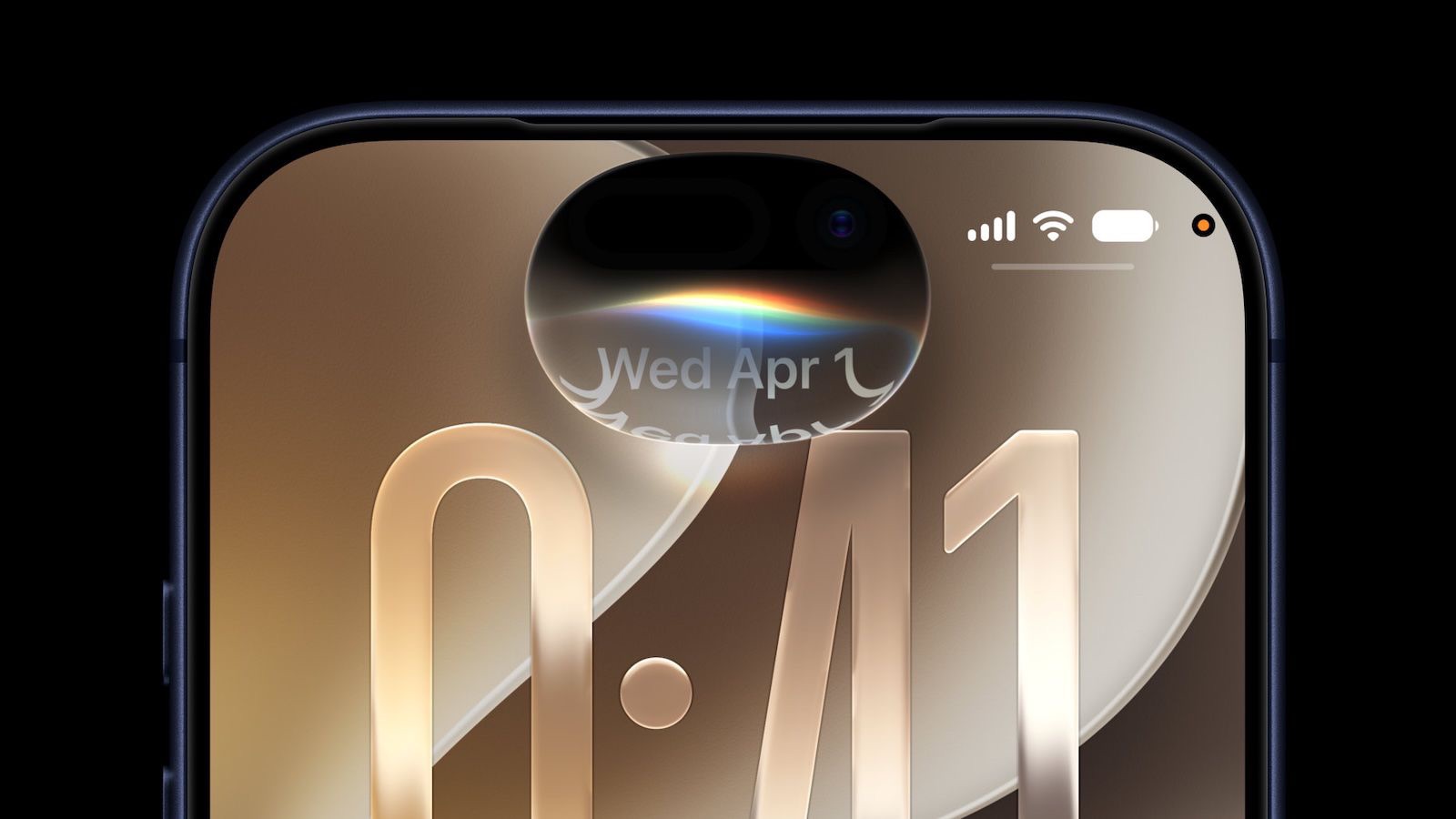
Siri responses emerge from the Dynamic Island. Pull down on a response to open the full conversation. Meanwhile, a standalone Siri app keeps your history in one place. It syncs that history privately through iCloud.
Having said that, there are a few limitations you should know that could be preventing you from getting the new experience. Here’s why you still have old Siri after installing iOS 27 on your iPhone and what you can do about it.
Why Don’t I Have Siri AI?
You need a compatible iPhone model to get the new Siri AI. You also need to download iOS 27 and join a waitlist.
Requirements for the new Siri AI
To try the new Siri AI before everybody else, you need to ensure you have a compatible device. Apple limits the experience for users with an iPhone 15 Pro or newer, as it is the most "basic" device to get Apple Intelligence. However, to take advantage of all the features, including the Expressive Voices Preview announced during the WWDC 2026 keynote, you need an iPhone 17 Pro or another device with more than 12GB of RAM to run Siri’s new voice models.
If you have a compatible iPhone, you need to download iOS 27 to get new Siri. For me, i was able to download iOS 27 within the first 30 minutes.
Once the iOS 27 is installed, just go into the iPhone Settings, choose the new Siri tab, and join the waitlist.
There is no word yet on how long the wait will be, but Apple used a similar waitlist when rolling out Apple Intelligence in iOS 18. It could be a matter of hours for some of the first users to update to iOS 27.
Once you’ve joined the waitlist, Apple says you’ll be notified when ‘New Siri’ is available for your iPhone.
See also: How to Join the Siri AI Waitlist on Your iPhone
Due to the Digital Markets Act (DMA) in the European Union, Siri AI isn’t officially launching in EU member countries. The DMA would require users to be able to choose which AI assistant powers Apple Intelligence, beyond Apple’s built-in Foundation model. Apple claims that allowing third-party AI tools would introduce significant security risks. Siri AI is not available in China.
However, as a user, this can be easily circumvented. In Settings > General, scroll down and tap Language & Region. Tap Region and set it to United States.
Bear in mind that switching your region will also remove some features that are only available in the EU, like alternative app marketplaces. You have a thirty-day grace period to keep using third-party apps you’ve downloaded from AltStore PAL, but you’ll have to decide whether you want Siri AI or Fortnite.
While Apple Intelligence supports a wide array of languages, the new Siri AI only supports English (Australia, Canada, Ireland, India, New Zealand, South Africa, UK, U.S.).
If you need to add a language, go to Settings > General > Language & Region, tap Add Language… to add a variant of English, then set it as your primary language. It should work with any of the regional variations of English, should you prefer Australian, Indian, Philippine or the King’s English.
If you still want to type in a different native language, go back to Settings > General > Keyboard > Keyboards and make sure your preferred keyboard is on the top of the list.
Once you get the new Siri, ask the assistant to find a detail buried in Mail, Messages, Notes, Reminders, or Calendar. Then ask a follow-up without repeating the original context. In iOS 27 beta 3, Siri also gained early access to information from some third-party apps.
The Camera app adds a Siri mode for Visual Intelligence. For example, you can photograph a membership barcode and turn it into a Wallet pass. Siri can also import events from a flyer.
In addition, Apple has added controls for Siri’s pace and expressivity. You’ll find them under Settings > Siri > Voice. These settings also affect spoken output in Maps and Safari.
I really like the new Siri. Siri AI is free, but Apple does have daily limits on some capabilities like image generation. Opting into an iCloud plus subscription plan increases AI limits.