On iPad, you can open and use a website as if it’s an app. The web app gets its own icon on your Home Screen, only on the device where you add it, and it opens just like an app. You can even receive notifications from the web app and quit it like any app.
- Go to the Safari app on your iPad.
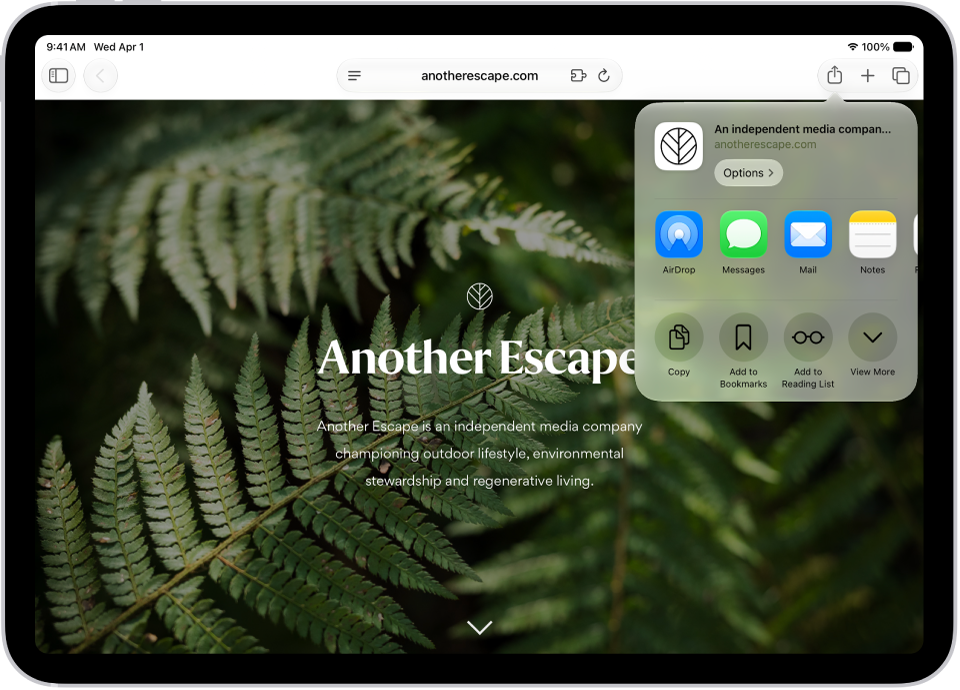
- While viewing the website, tap the Share button, tap View More, and then tap Add to Home Screen.
- Turn on Open as Web App.
- Tap Add.
An icon for the web app is added to your Home Screen. When you tap the icon, the website opens just like an app. You can receive notifications from the web app and quit the web app like you would any app.
See also