There are all kinds of reasons you might want to stop getting iOS 27 betas. Maybe you are facing usability or stability issues. Perhaps your apps are not compatible with the betas. Keep reading to learn how it’s done.
How to Turn Off iOS 27 Beta Updates
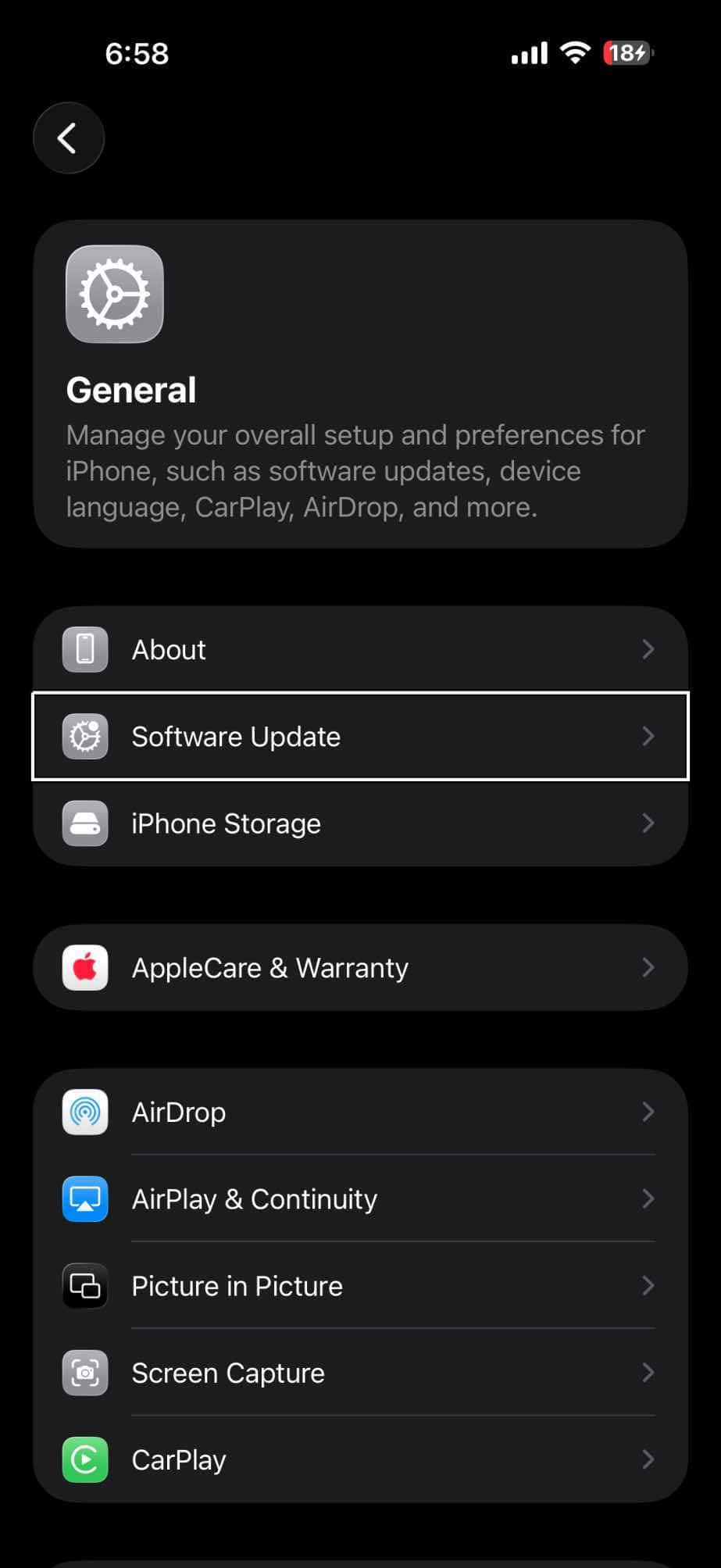
To stop receiving iOS 27 betas, all you need to do is turn off beta updates.
- Go to Settings.
- Tap General.
- Tap Software Update.
- Tap Beta Updates.
- Tap Off from the list of options.
Your iPhone will no longer download iOS 27 betas. The beta currently installed stays on your device until you install a public release of iOS.
Install the Next Version of iOS
When the next commercial version of iOS is released, you can install it from Software Update.
See also: How to Leave the iOS 27 Beta and Go Back to iOS 26