After installing iOS 27, you might be wondering where the new Siri AI is, as you’ll still get the "old" Apple Intelligence interface when you press the Side Button. Thankfully, turning on Siri AI on an iPhone is actually pretty simple.
Siri AI is the biggest iOS 27 feature
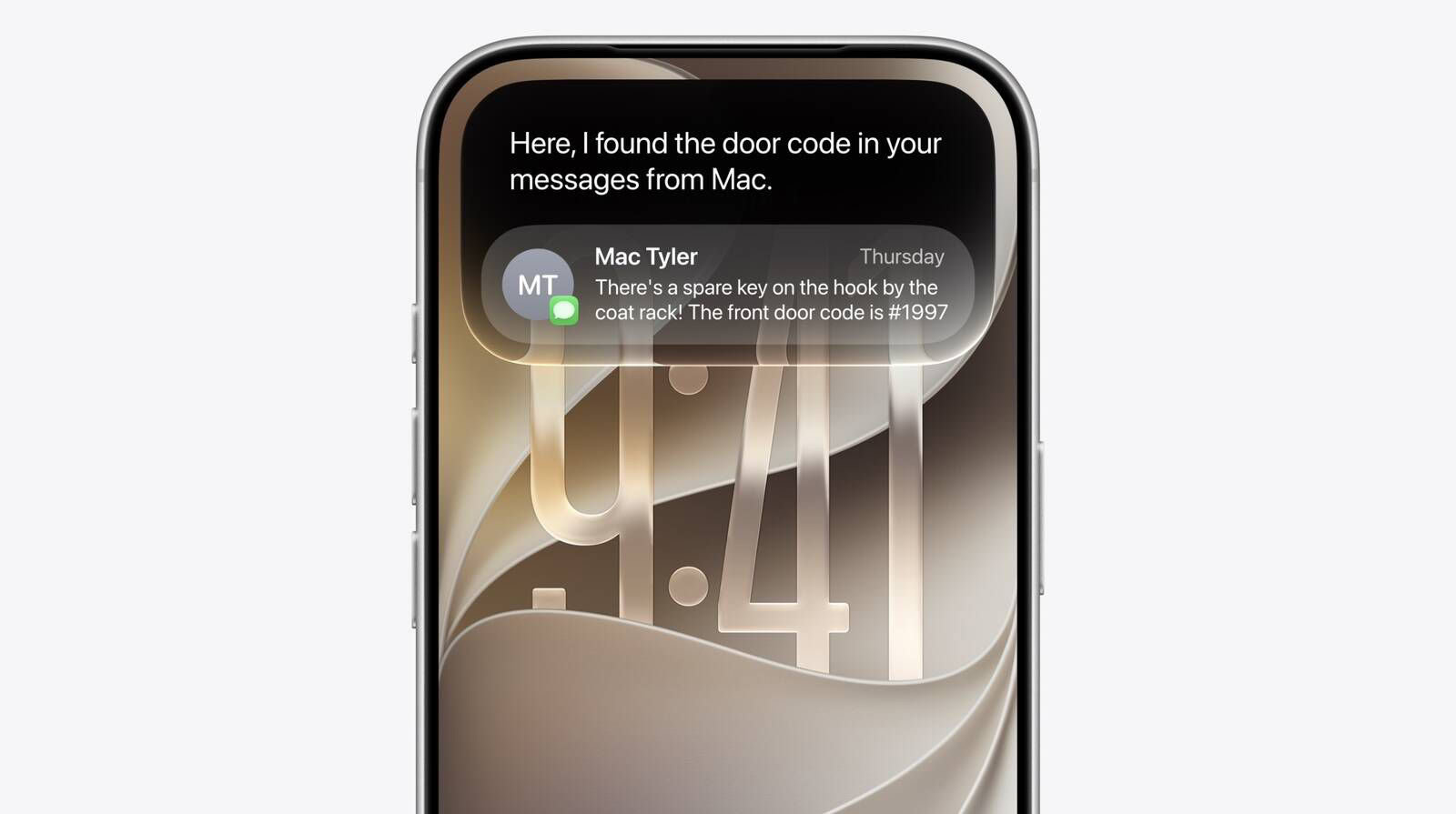
Apple has rebuilt Siri around its next-generation Apple Intelligence system. The assistant can now hold an ongoing conversation and search your personal information. It can also understand onscreen content, take actions in apps, and answer broader questions.
Siri responses emerge from the Dynamic Island. Pull down on a response to open the full conversation. Meanwhile, a standalone Siri app keeps your history in one place. It syncs that history privately through iCloud.
Related: How to Set Up and Use the New Siri AI on iPhone, iPad, Mac, and Apple Watch
Requirements for the new Siri AI
To turn on Siri AI, you need to ensure you have a compatible iPhone. Apple limits the experience for users with an iPhone 15 Pro or newer, as it is the most "basic" device to get Apple Intelligence. However, to take advantage of all the features, including the Expressive Voices Preview announced during the WWDC 2026 keynote, you need an iPhone 17 Pro or another device with more than 12GB of RAM to run Siri’s new voice models.
After you check if you have a compatible iPhone, you need to join Siri AI waitlist.
How to Turn on Siri AI on Your iPhone
After installing iOS 27 on your iPhone, do this to turn on Siri AI:
- Open Settings and tap Siri.
- Tap Try New Siri. You’ll see a splash screen explaining the new features.
- Tap Join Waitlist, then Continue.
The process is very similar to the waitlist Apple used in iOS 18.1 for Apple Intelligence access, which means you might need to be patient to get the revamped personal assistant.
Once you’ve joined the waitlist, Apple says you’ll be notified when ‘New Siri’ is available for your iPhone.
Once Siri AI is enabled on your iPhone, ask Siri to find a detail buried in Mail, Messages, Notes, Reminders, or Calendar. Then ask a follow-up without repeating the original context. In iOS 27 beta 3, Siri also gained early access to information from some third-party apps.
The Camera app adds a Siri mode for Visual Intelligence. For example, you can photograph a membership barcode and turn it into a Wallet pass. Siri can also import events from a flyer.
In addition, Apple has added controls for Siri’s pace and expressivity. You’ll find them under Settings > Siri > Voice. These settings also affect spoken output in Maps and Safari.
Siri AI initially supports select English variants, and it won’t launch in the EU right away. It also requires an Apple Intelligence-compatible iPhone. Some advanced on-device features require iPhone 17 Pro, iPhone 17 Pro Max, or iPhone Air.