On iPad, by default, iCloud encrypts your information in transit, stores it in an encrypted format, and secures your encryption keys in Apple data centers. Many Apple services also use end-to-end encryption, with keys derived from your devices and your device passcode, which only you know.
With Advanced Data Protection, your protected data can be decrypted only on your trusted devices, protecting your information even in the case of a data breach in the cloud. Not even Apple can access your information.
For the highest level of cloud data security, you can turn on Advanced Data Protection (iPadOS 16.2 or later required). It uses end-to-end encryption on more data categories such as the following:
- Device backup
- Messages backup
- iCloud Drive
- Notes
- Photos
- Reminders
- Safari bookmarks
- Siri Shortcuts
- Voice Memos
- Wallet passes
Turn on Advanced Data Protection
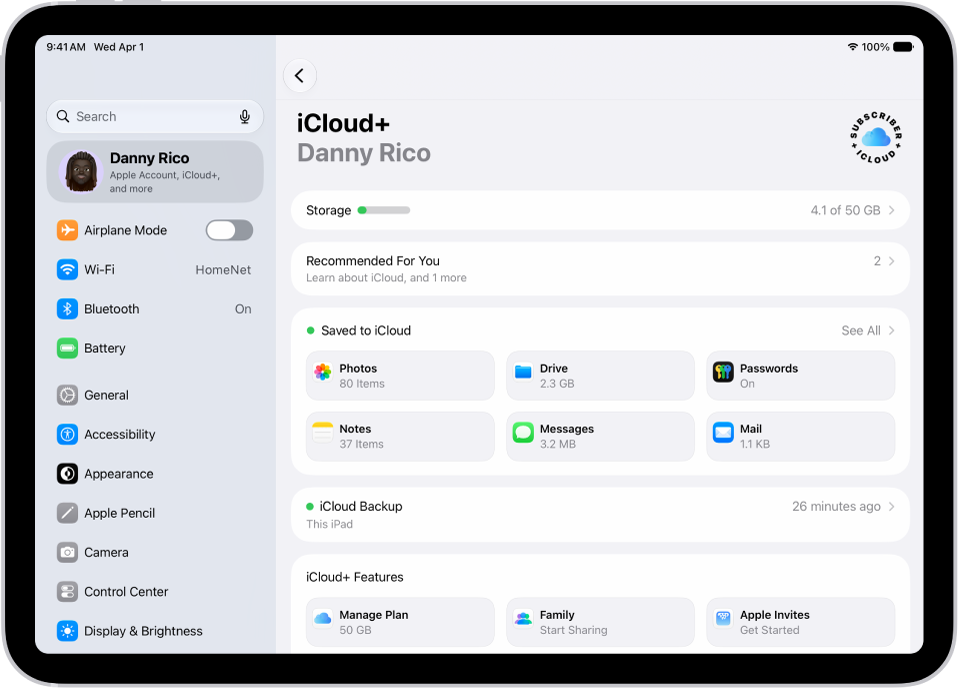
- Open Settings, tap [your name], tap iCloud, and tap Advanced Data Protection.
- Tap Turn On Advanced Data Protection.
- If you haven’t set up a Recovery Contact or Recovery Key, tap Account Recovery, tap Set Up Account Recovery, and then follow the onscreen instructions.
WARNING: If you use Advanced Data Protection, you’re responsible for your data recovery. Because Apple won’t have the keys required to recover your data, you’ll need to have a Recovery Contact or Recovery Key set up on your account. You can use these additional recovery methods to regain access to your data if you ever forget your password or lose access to your account.
Should you turn off Advanced Data Protection later, your iCloud data returns to the standard level of security.