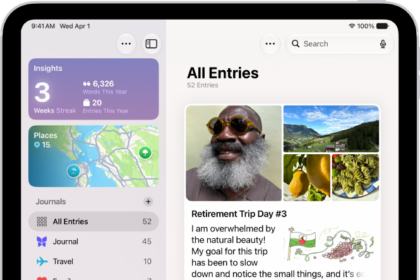
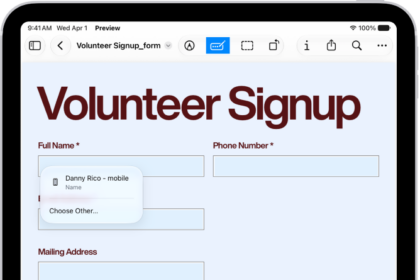
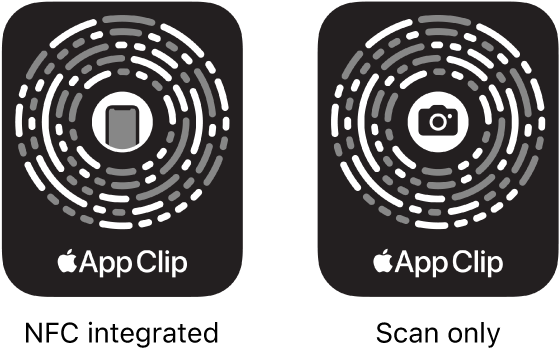
On iPad, an app clip is a small part of an app that helps you do a task quickly, like rent a bike, pay for parking, or order food. You can discover App Clips in Safari, Maps, and Messages, or in the real world through QR codes and App Clip Codes, unique markers that take you to specific App Clips.
You can use Sign in with Apple and pay with Apple Pay in supported App Clips, and some let you see the full app. App Clips you’ve used are in App Library, and you can remove them, too.
Get and use App Clips
- Get App Clips from any of the following:
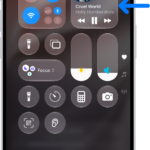
- App Clip Code or QR code: Scan the code using the iPad camera or Code Scanner in Control Center.
- Maps: Tap the app clip link on the information card (for supported locations).
- Safari or Messages: Tap the app clip link.
- When the app clip appears on the screen, tap Open or Play.
In supported App Clips, you can use Sign in with Apple, then make a payment using Apple Pay.
With some App Clips, you can tap the banner at the top of the screen to see the full app.
Find App Clips you used on iPad
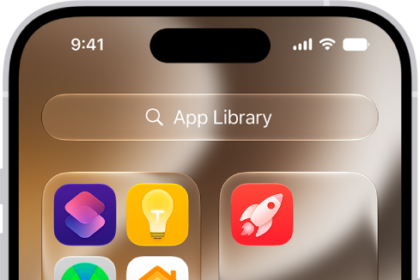
Go to App Library, tap the search field at the top of the screen, then scroll down to the end of the alphabetical list.
Remove App Clips
- Go to App Library. Then tap the search field at the top of the screen.
- Enter the name of the app clip, or scroll down to the App Clips at the bottom.
- Touch and hold the app clip you want to delete, then tap Remove App Clip.
See also