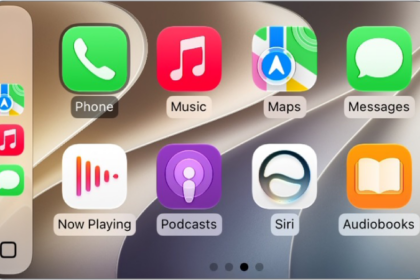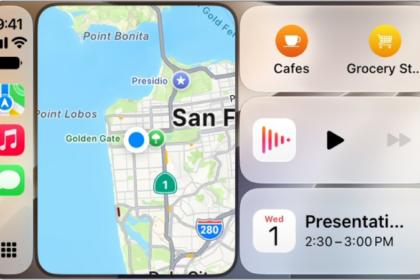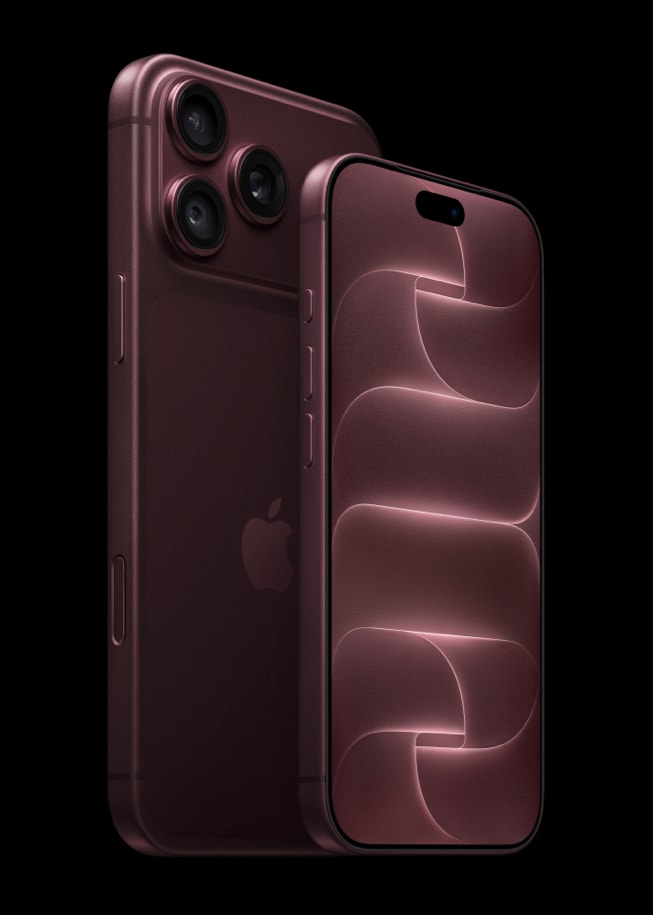
Many iPhone 18 Pro and iPhone 18 Pro Max owners are reporting frustrating CarPlay issues after the recent iOS update. Wireless CarPlay often disconnects after just a few minutes, and in some cases the car’s infotainment system even freezes. A few users also say wired CarPlay doesn’t work reliably.
This appears to be another connectivity issue.
The issue:
- Wireless CarPlay disconnects after a few minutes.
- In some cars, the screen freezes until the engine is turned off.
- Bluetooth devices (Apple Watch, AirPods) sometimes disconnect at the same time.
- CarPlay only reconnects after toggling Airplane Mode or rebooting the car’s head unit.
- Wired CarPlay works for some but fails for others.
Possible Causes:
- Apple Watch — CarPlay may drop when the watch locks or unlocks.
- VPN apps or profiles — Misconfigured VPNs can disrupt connectivity.
- Wireless CarPlay adapters (Carlinkit, Ottocast, Autokit, Mr12Volt, etc.)— Some need firmware updates.
- HomePods — Older full-size HomePods on the same network caused related Wi-Fi instability for some users.
Fixes:
Remove VPNs:
- Go to Settings > General > VPN & Device Management.
- Delete all VPN profiles.
- Delete any VPN apps.
- Restart iPhone 18 Pro, then test CarPlay again.
Test Without Apple Watch:
- Power off your Apple Watch or disable Unlock with iPhone.
- Drive with CarPlay for at least 15 minutes to see if it stays connected.
Update or Reset Your CarPlay Setup:
- Forget your car in Settings > General > CarPlay, then re-pair.
- If you use an adapter (Carlinkit, Ottocast, etc.), check for firmware updates.
Reset Network Settings:
- Go to Settings > General > Transfer or Reset iPhone > Reset > Reset Network Settings.
- You should note that this wipes saved Wi-Fi and Bluetooth connections, so you’ll need to re-pair CarPlay.
Try Wired CarPlay:
- If wireless CarPlay keeps failing, use a high-quality USB cable until Apple pushes a fix.
Update Everything:
- Make sure your car’s infotainment firmware is updated.
- Update your HomePods if you use them at home.