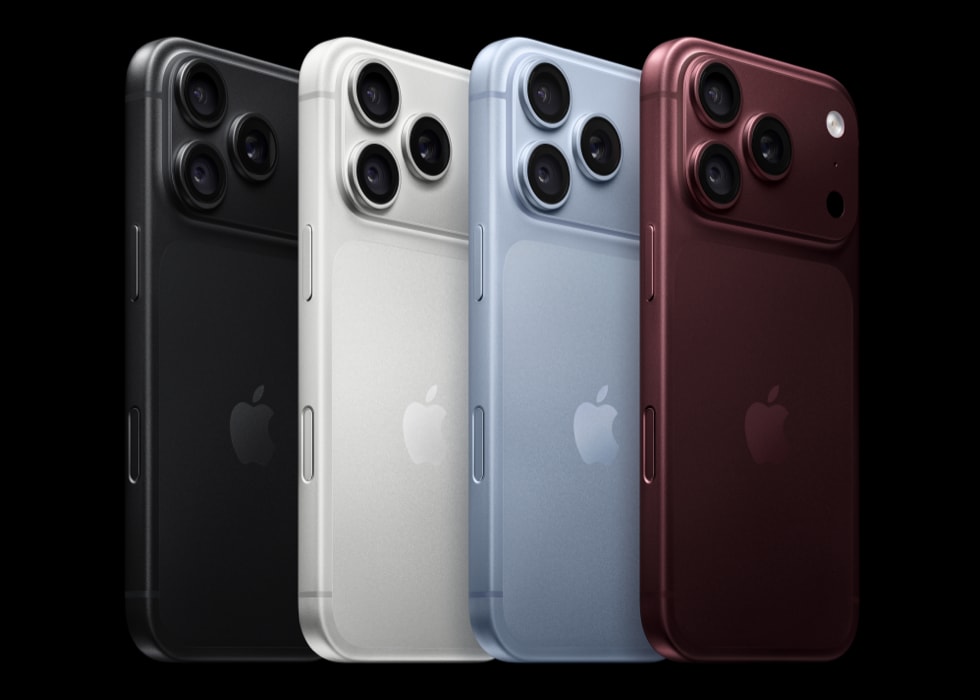
You see a virus warning message on your iPhone 18 Pro saying your device is infected and requires cleaning. And you are wondering if your iPhone has a virus. Then you are further asking yourself if your device is infected with malware or a malicious app or if your data is safe. Obviously, this warning would cause anyone alarm. This article describes what you can do when you experience this.
Almost always, iPhone users only see fake virus warning messages and this always occurs when they’re using the web browser to visit a malicious website.
The message may say something like:
Your Apple iPhone is infected by (6) viruses. If not resolved immediately, the virus will crash your cell phone, damage the SIM card, and delete all your contracts. Follow the instructions below to remove the virus.Or, the message may say:
Virus Warning! Your Apple iPhone has been infected with potential virus! Click the OK button to scan your phone now.As you can see, the messages consist of two main elements:
- Your device is infected with a virus.
- You are invited to follow instructions (tap OK, run a scan, call a number, etc) to remove it. Some of the messages may also say to call a number to fix this problem.
First of all, it is important to mention that viruses are a type of malware designed to cause harm. However, it is highly likely that the message you see is not real because iOS malware is very rare unless your iPhone 18 Pro has been jailbroken. Jailbroken devices become vulnerable to viruses. Jailbreaking involves removing Apple’s iOS restrictions. Most people do not have jailbroken iPhones.
Almost always these iPhone virus warnings are scams. Scammers often use a lot of tactics to deceive people and this is one of them. This type of scams involves threatening people with a non-existent computer virus. And it is highly likely that you are getting this message because a bad web site you visit opens this pop-up message. And it is really difficult to close this pop-up. Some of them may seem like pop-ups but they are not. They are sometimes web pages that look like pop-ups. You may experience that this message takes over Safari. But do not start panicking.
How to fix
Here is how you can resolve this problem. Please follow the steps below in this order:
1. Do not do whatever the message is saying:
- Do not tap any button. Do not tap anywhere. Do not even tap a button saying “Close”. They are fake buttons; they are not iOS buttons.
- Do not call any number. The warning may say “Apple Support” or “Technical Support”. Do not believe it.
- Never enter personal information.
- Do not pay anyone or send payment anywhere.
2. Force close Safari. Here is how:
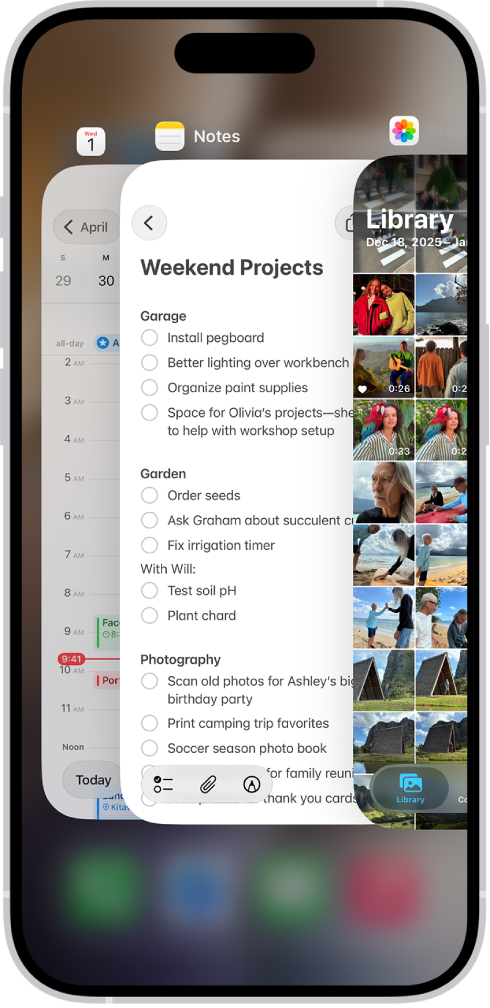
- Go to your Home screen and swipe up from the bottom of the screen. This will open the app switcher. Find Safari (you can swipe left or right) then swipe up on Safari to close it.
3. Turn on Airplane Mode on your iPhone 18 Pro (Settings > Airplane Mode). Doing so will allow you to fully reset Safari. This may be required.
4. Open Safari and tap and hold the tabs icon from the toolbar. Then select Close All [number of] Tabs.
5. Now on your iPhone 18 Pro, go to Settings > Apps > Safari. Scroll down and tap Clear History and Website Data.
6. Now turn off Airplane Mode. Now open Safari and test.
How to prevent
There are simple tips you can implement to stop it from happening again:
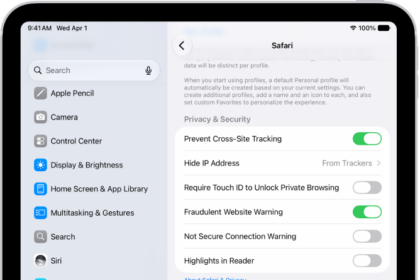
- Go to Settings > Apps > Safari and then turn on Block Pop-ups.
- Go to Settings > Apps > Safari and now turn on Fraudulent Website Warning.
- Keep your phone updated. You can easily check for updates by going to Settings > General > Software Update. And if there is an update available, follow the onscreen instructions to download and install the update.