You can use the Photos app on Apple TV 4K to view your iCloud photos and videos, watch photo memories, create slideshows, and more. Photo memories gather collections of photos based on people, places, or moments in time, and you’re able to browse shared albums, too. Only the default profile can sync their iCloud photos, though.
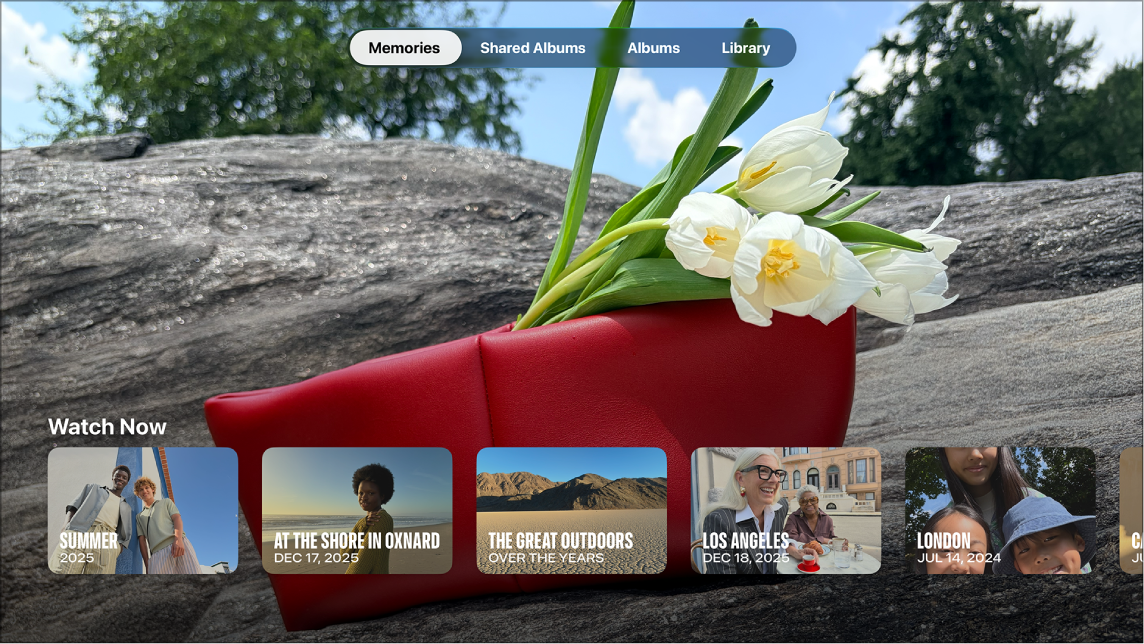
Using the Photos app, you can:
- Sync your iCloud photos so you can view all your photos and videos in full-resolution quality. (Only the default profile on Apple TV 4K can sync their iCloud photos. See Change the default profile on Apple TV 4K.)
- Watch photo memories that highlight collections of photos based on people, places, or moments in time.
- Browse shared albums that you’ve created, or other people’s shared albums that you subscribe to.
- Create a slideshow of your photos with custom transitions and sounds, or use your photos as a screen saver on Apple TV 4K.
Note: Photos you share with Home Sharing on your computer show up only in the Computers app, not in the Photos app. For more, see our article, View your Mac photo library on Apple TV 4K with Home Sharing.
Not all features and content are available in all countries or regions or on all Apple TV hardware models.