Every app on Apple TV 4K is on the Apple TV 4K Home Screen, and you use your remote to get there, highlight an app icon, and open the app. You can do it all with the clickpad or touch surface on your remote, along with the Back button or the Menu button.
Use your remote to do the following:
- Press and hold the Back button or the Menu button to go to the Apple TV 4K Home Screen.
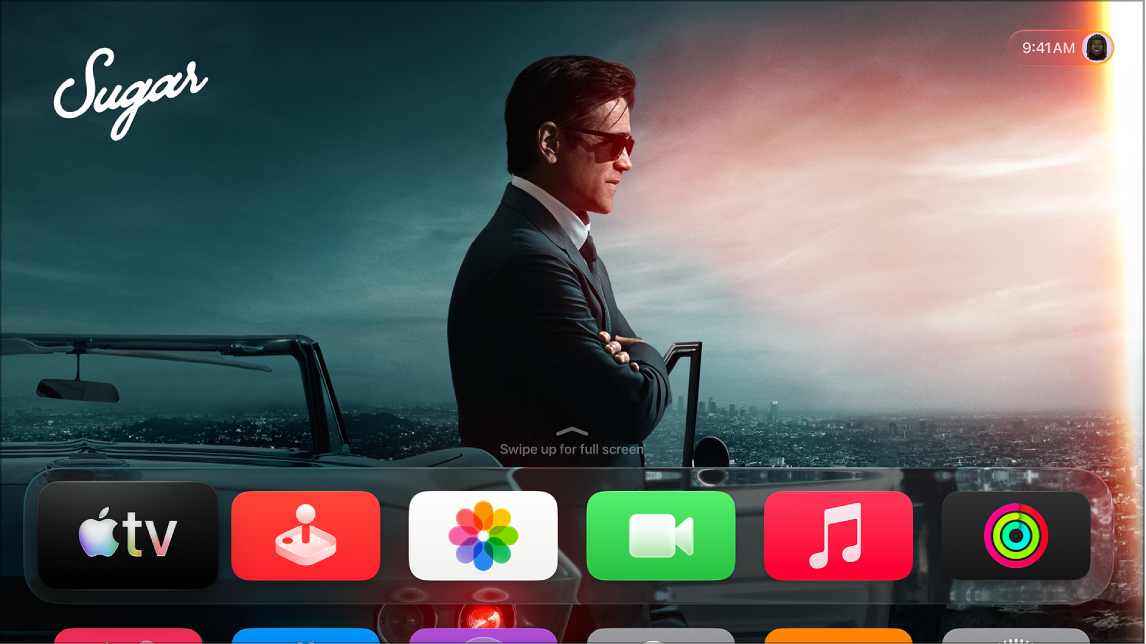
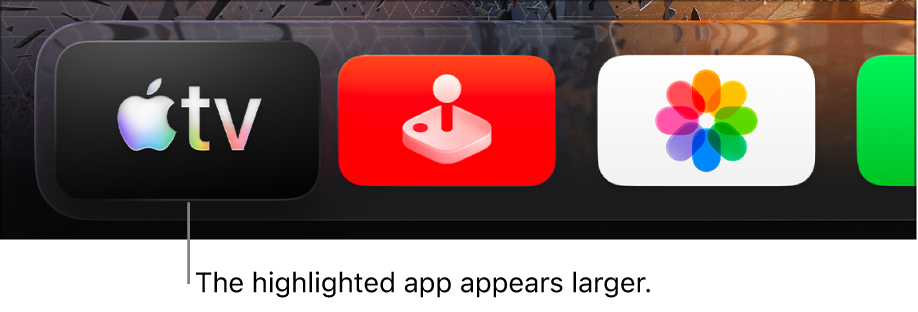
- Swipe on the clickpad or touch surface to go to and highlight an app icon.
- Press the clickpad center or touch surface to open the app.
Not all features and content are available in all countries or regions or on all Apple TV hardware models.
See also