Tag: Maps
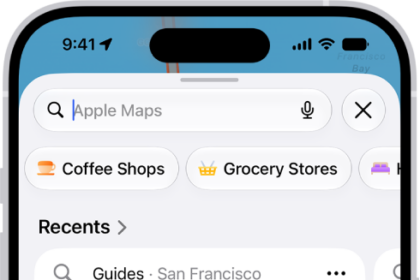
How to find nearby attractions, restaurants, and services in Maps on iPhone
You can find nearby attractions, restaurants, and services in Maps on iPhone by category, search,…
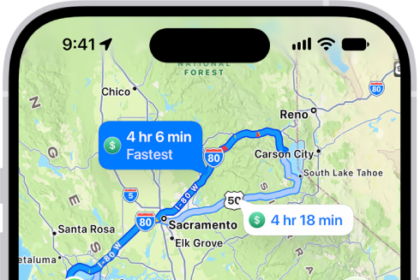
How to get driving directions in Maps on iPhone
You can get detailed driving directions in Maps on iPhone, with lane guidance in select…
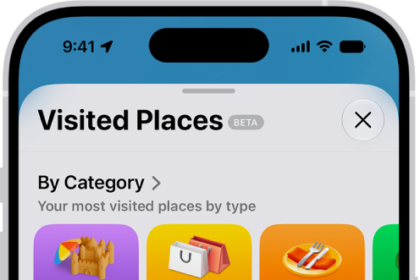
How to clear your location history in Maps on iPhone
You can clear the significant locations Maps uses for predictive traffic routing on iPhone, on…
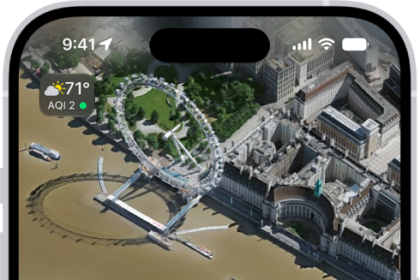
How to explore airports or malls in Maps on iPhone
You can use indoor maps in Maps on iPhone to find gates, restrooms, food, and…
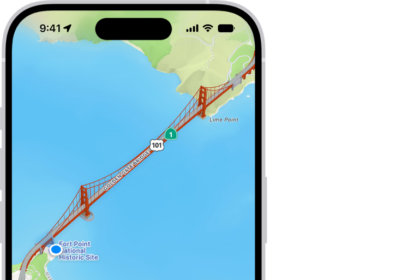
How to set up Maps on iPhone
You can set up Maps on iPhone, let it use your location, show where you…
How to check traffic conditions and report traffic incidents in Maps on iPhone
You can check traffic conditions in Maps on iPhone and report accidents, hazards, and speed…
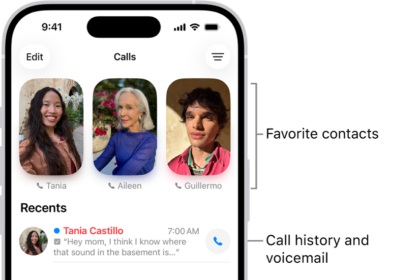
How to route and automatically answer calls on iPhone
You can send call audio on iPhone to the speaker, a Bluetooth headset, or a…
How to get information about places in Maps on iPhone
You can tap places in Maps on iPhone to see their address, phone number, website,…
How to explore places with guides in Maps on iPhone
You can browse guides in Maps on iPhone to find great places to eat, shop,…
How to rate places and add photos in Maps on iPhone
You can add ratings and photos for places in Maps on iPhone to help other…