AirPods are popular choice for wireless headphones. They are definitely not the cheapest option out there, and as with any electronic device you may encounter hardware damage or other issues. It is also pretty clear AirPods are small equipment. They can be lost or stolen.
For these reasons, you might consider purchasing the AppleCare+ coverage for your AirPods. In this article we will look at the cost of AppleCare+ for AirPods, what is covered under the AppleCare+ warranty and the advantages and disadvantages of AppleCare+.
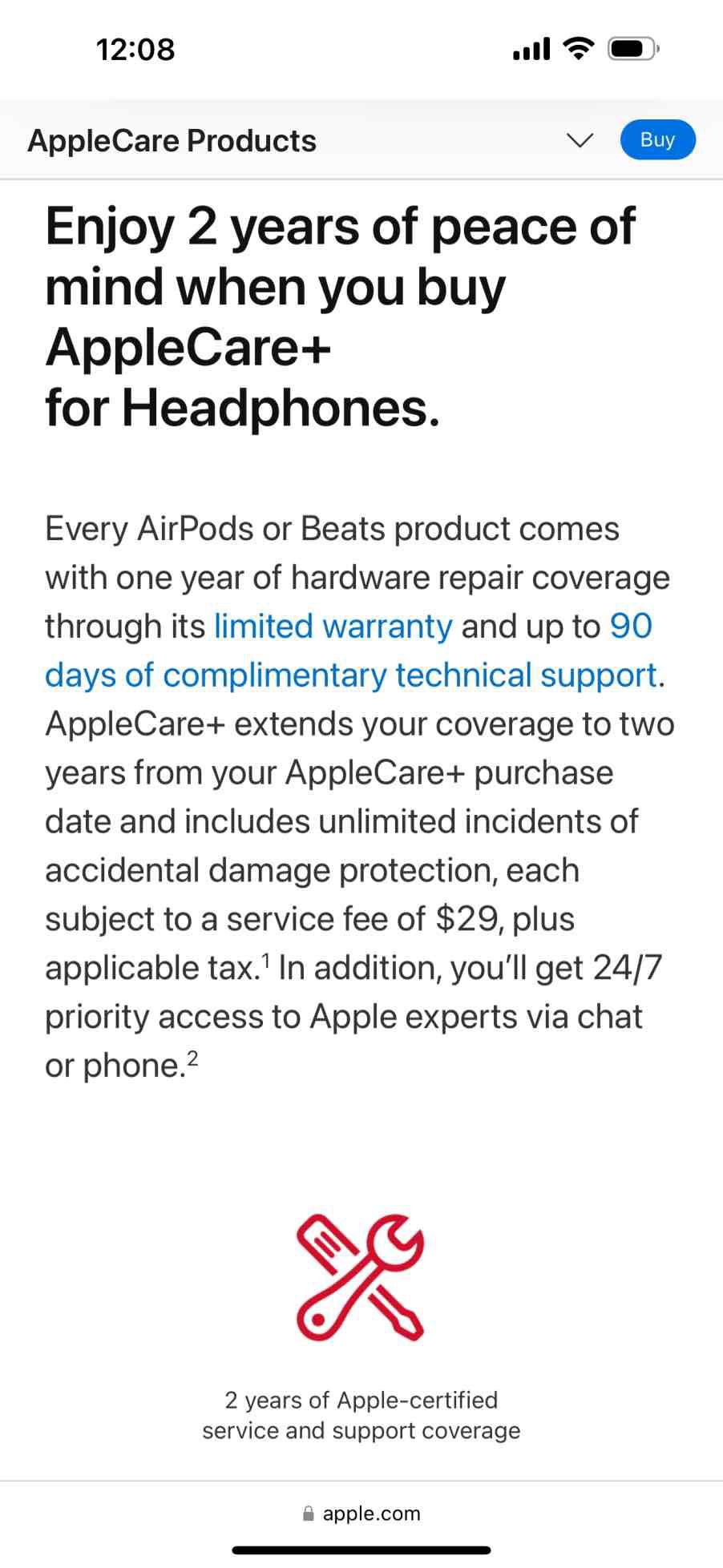
When you buy AirPods, they come with one year of hardware repair coverage through its limited warranty and up to 90 days of complimentary technical support. AppleCare+ extends your coverage to two years from your AppleCare+ purchase.
What’s covered with AppleCare+ for AirPods?
For the $29 cost of the AppleCare+ extended warranty (for either AirPods or AirPods Pro), you get:
- 2 years of Apple-certified service and support coverage.
- Unlimited incidents of accidental damage protection, each subject to a service fee of $29, plus applicable tax.
- Battery service coverage. Youll get battery service if it retains less than 80% of its original capacity.
- The charging case that comes with your AirPods.
- Included charging cable.
In addition, you’ll get:
- 24/7 priority access to Apple experts via chat or phone. You can call and ask the Apple experts questions about any of the issues you might be experiencing. For example, you can call if you are having Bluetooth connectivity issues.
- Express Replacement Service – Apple will ship you a replacement device so you don’t have to wait for a repair. You should receive your replacement within a week.
- Mail-in repair – Mail in your AirPods using a prepaid shipping box provided by Apple.
- Carry-in repair – You can take your AirPods to an Apple Store or other Apple Authorized Service Provider.
When your AirPods can’t be repaired, they will be replaced.
What is NOT Covered
In addition to listing some of the situations and damage expressly not covered by AppleCare+, we also note that if you purchased your AirPods in another country, Apple may not provide service for your equipment outside of the country where they were purchased.
- Normal wear and tear. Cosmetic damage.
- Preventative maintenance.
- Replacement of Lost or Stolen equipment.
- Damage caused by reckless or intentional conduct.
- Damage caused by fire or earthquake.
If you would like, you can read all the legal details of the AppleCare+ plan (U.S. version)
How to buy AppleCare+ for AirPods
You can buy coverage on a fixed-term plan.
2 yrs
AirPods, AirPods Pro:
$29
AirPods Max:
$59
- Purchase AppleCare+ with your new AirPods.
- Or buy it within 60 days of your AirPods purchase:
- On your paired iPad or iPhone, head to Settings > Bluetooth > click on the ⓘ button for your AirPods)
- Online
- At an Apple Store (inspection of AirPods and proof of purchase are required)
- By calling 800-275-2273 (requires you to provide proof of purchase)
AppleCare+ is available for:
- AirPods
- AirPods Max
- AirPods Pro
How to Contact Support
If your AirPods are under warranty, you can get support by phone or chat. You will also contact them the same way when you need to set up a repair.
- Call Apple Support at 1-800-APLCARE. You can also find your Apple Support phone number here.
- Contact Apple Support online.
- Get the Apple Support app.
Your Serial Number
If you need service for your AirPods, you will need your serial number. You can find the serial number of your AirPods in the settings of the paired iPhone, iPad, or Mac and on the device itself.
Find the AirPods serial number on iPhone or iPad
- Head to Settings > Bluetooth.
- Look for your AirPods in the list (for example, "Dave’s AirPods Pro"). If you don’t see your AirPods, pair them to your device.
- Tap the More Info button next to your AirPods to see the serial number.
Find the AirPods serial number on Mac
- Choose Apple menu > System Settings.
- Select your AirPods (for example, "Dave’s AirPods Pro") to see the serial number. If you don’t see your AirPods, pair them to your device.
Find the serial number printed on your AirPods
You can find the serial number printed on your AirPods or charging case.
AirPods or AirPods Pro
If you have AirPods or AirPods Pro, your AirPods and your charging case share a serial number. You can find the serial number on the underside of the lid of your Charging Case, Wireless Charging Case, MagSafe Charging Case, Lightning Charging Case for AirPods 3, or MagSafe Charging Case (Lightning or USB-C) for AirPods Pro 2.
If you have AirPods Max, you can detach the left magnetic ear cushion to see the serial number.
Find it on the original packaging
If you have the original packaging, you can find the serial number for your AirPods next to the barcode. You can also find the serial number on the original product receipt or invoice.
Serial number on packaging
Should you buy AppleCare+ for your AirPods?
Certainly everyone’s situation will be different, so you’ll have to make the final decision yourself, but here’s a summary of some of the main points.
Pros
Here are the main benefits with AppleCare+ for AirPods:
- At $29, the cost of purchasing the AppleCare warranty isn’t too steep.
- Unlimited incidents of accidental damage protection per year. You’ll get accidental damage repair for only $29. Battery repair won’t cost you anything if your AirPods’ battery retains less than 80% of its original capacity.
- 24/7 priority access to Apple experts.
- Sending in (shipping) your damaged AirPods won’t cost you anything.
- Apple promises to send you a replacement device quickly so you don’t have to spend much time without AirPods.
Cons
Here are the main disadvantages with AppleCare+ for AirPods:
- Doesn’t cover lost or stolen equipment.
- If you think your AirPods are likely to be involved in an accident, but not lost – say, for example, you accidentally put your AirPods through the wash, then purchasing the extended warranty could definitely be worth it. If, however, you are worried about your equipment being lost or stolen, the AppleCare+ plan won’t help you at all.