iOS 27, iPadOS 27, and macOS 27 are available, offering more capable version of Siri called Siri AI. Users are able to download the software and try Siri out, but there is a waitlist.
After updating to iOS 27, you just need to open the Settings app, go to the new Siri section, and opt in to the waitlist to get access to the new Siri interface.
See also: How to Join the Siri AI Waitlist on Your iPhone
Apple hasn’t said how long the wait will be, but users on Reddit believe there may be a way to skip to the top of the line
Apple used a similar waitlist when rolling out Apple Intelligence in iOS 18. It could be a matter of hours for some of the first users to update to iOS 27.
I was fortunate enough to be accepted fast — but I also joined the waitlist within an hour of the iOS 27 update. People are now waiting over a week to join. Luckily, though, there may be a way to skip Siri AI waitlist.
See also: How Long Does the Siri AI Waitlist Take
Skip Siri AI waiting list with this workaround
There’s no official method to get you off the iOS 27 Siri AI waiting list, but users suggested the following workaround:
- Start by turning off Siri on all your other connected Apple devices, leaving it active only on your main iPhone.
- Next,** turn off Siri on your phone and close the Settings app from your recent apps switcher. Power your iPhone completely off, turn it back on, and then head back into your settings to turn Siri on**.
- Close Settings from your recents once more, reopen it, and turn Siri off again. Finally, close Settings one last time, reopen it, and turn Siri back on.
- When you check Siri now, the waiting list message should be gone, giving you immediate access to the new Siri AI. If you’re still seeing the queue, try restarting your iPhone and running through the final toggle steps once more.
Apple closed the loophole that let Mac users skip the Siri AI waitlist in the latest macOS 27 Golden Gate update.
Earlier, beta testers could switch on the enhanced version of Siri straight away using a single Terminal command, effectively sidestepping Apple’s waitlist.
However, many users who are installing the latest version of macOS 27, are finding that the command does not work for them. Users who enabled Siri AI this way are also reporting that they have been kicked back to the waitlist after updating.
Apple has not said anything about the reported change, but one possibility is that the entitlement check that the Terminal command taps into has been switched from a local feature flag to a server-validated state.
Apple could still be building out its server capacity for the redesigned Siri, which is why it is granting access to testers in batches as more comes online. It’s likely the reason why the workaround is no longer working for some people.
In any case, if you applied the bypass trick in macOS 27 beta and want to retain access, you probably won’t want to update to newer macOS version.
Some beta testers are suggesting alternative methods involving submitting Apple Intelligence feedback to accelerate approval, but this method hasn’t been confirmed, and at this point it may just be worth waiting in the queue. Apple appears to be granting access to new users in a matter of days.
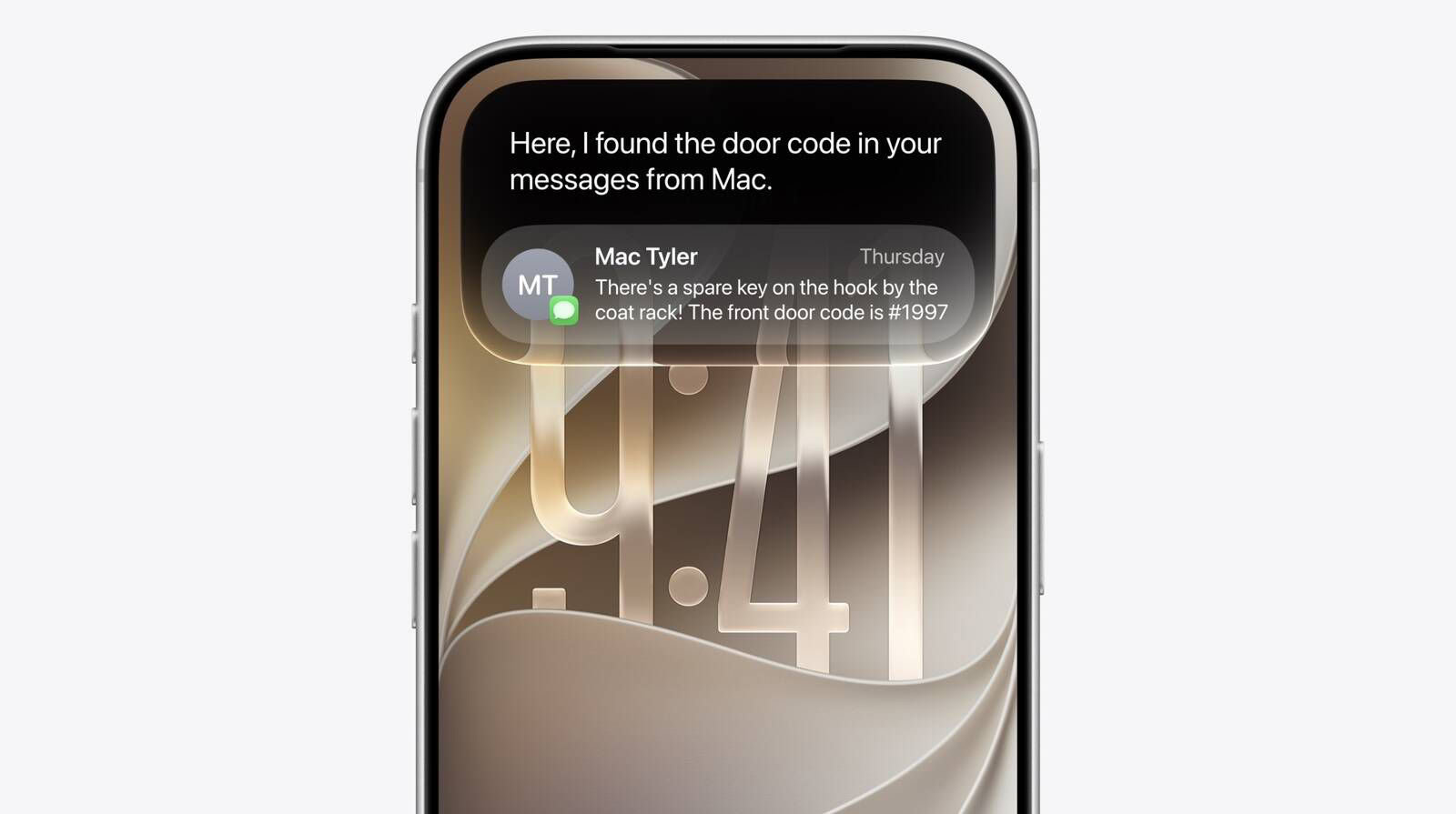
Siri AI is now a fully fledged chatbot, and can draw on personal context understanding to search across messages, emails, photos, and more. It can now get things done across apps thanks to even more system-wide app actions.
On Mac, Siri AI is also integrated into Spotlight and available via right-click context menus on any file or window.
Note that Siri AI remains unavailable in the EU on iPhone and iPad, but the limitation does not apply to the Mac.
Did you manage to skip Siri AI waitlist? Let us know in the comments!
See also: Siri AI in iOS 27: Features, Requirements, and How It Works