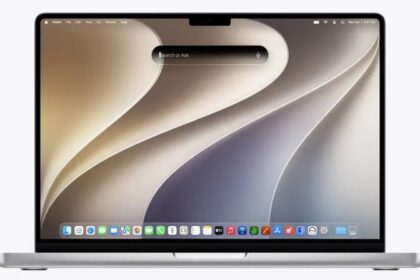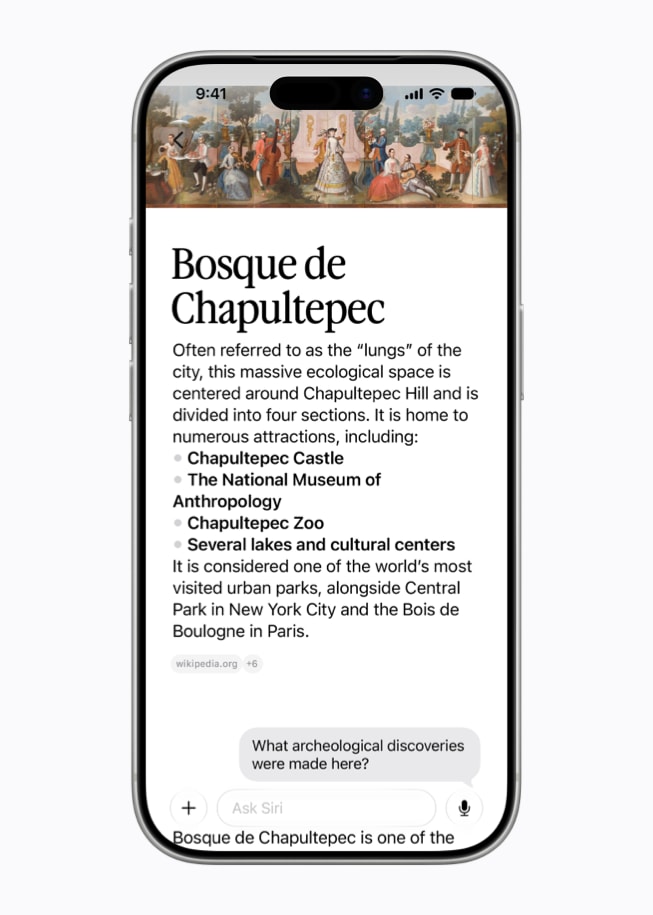
In the past, we turned to Spotlight to search for things like files, photos, email messages, and apps, while we used Siri to answer questions and perform simple actions on our devices. Now that the two are conceptually merged—and with the addition of personal context and extended Visual Intelligence—you can search by description, and Siri pulls together information from numerous sources to deliver results.
Use Siri for search
You can still search for files, photos, and other items on your device exactly as you did using Spotlight in the past. What’s new is that you can search more broadly, using natural language, in ways that require Siri to perform analysis, make inferences, or combine data from multiple sources.
For example, one of us got a text message in which the new school bus driver for one of his kids introduced herself. Later, he tried to recall the driver’s name, so he asked, What is the name of the new school bus driver?
Sure enough, Siri produced the correct name from the text in Messages and also provided a link to the original message. In other words, you’re still searching, but in a way that’s simpler for you while producing more sophisticated results.
Here are a few other examples:
- Files related to dancing
- People who sent in support requests in the past year
- The dates of my last three dentist appointments
- All the books I wrote between 2021 and 2025
Spotlight without Siri?
What if you just want a plain Spotlight search, without Siri’s involvement at all? You can still have it, with some extra effort.
On a Mac, activate Siri and type a search term, then press ⌘-2 to search for that term only within files and folders. You can also press ⌘-1 to look for apps, ⌘-3 to look for actions, or ⌘-4 to search your clipboard history.
On any device, you can also specify as part of your search term where Spotlight should look—for example, Files about cats or Contacts named John or Emails about Apple.