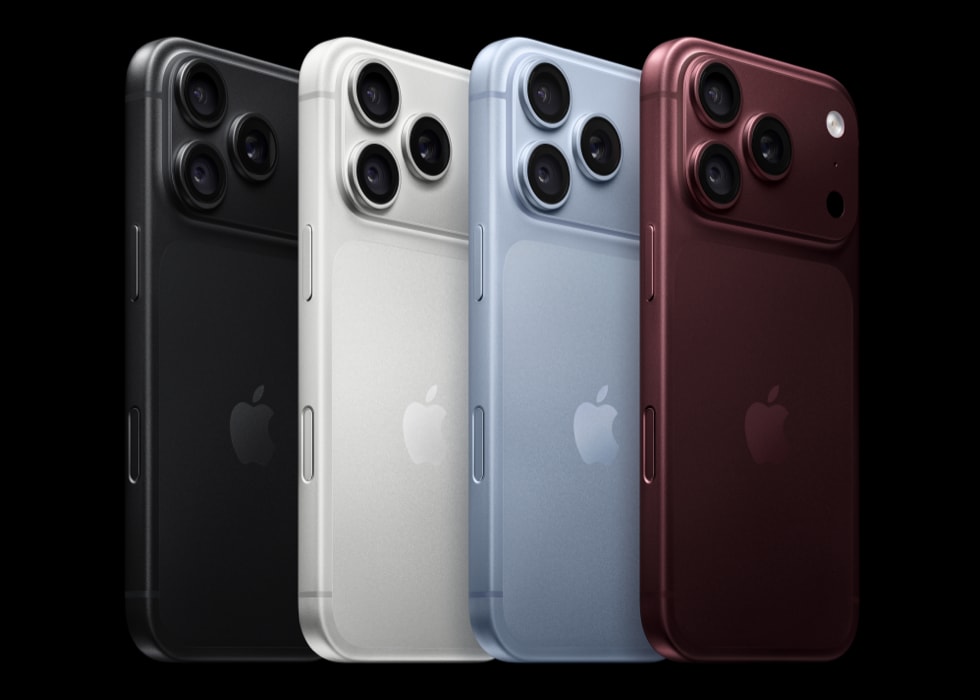
Some iPhone 18 Pro and iPhone 18 Pro Max model owners say that they are unable to turn on the device. Especially users who are new to iPhone 18 Pro seem to report this issue. Users have been saying that all they see is a black screen, and pressing the Side does not power on the device.
There could be several reasons for this. Do not panic yet. Your iPhone 18 Pro may seem dead, but we can help you get it running again.
What to do if iPhone 18 Pro shows a black screen and won’t turn on
Try these steps in this order.
You will need to press and hold the Side button to turn on the device. Let’s do this first. Press and hold the Side button until you see the Apple logo. If nothing happens, then try the following:
1. Ensure that your device has charge
It is possible that the Side button is not working because your iPhone is dead due to a lack of power in the battery. Try these:
- Connect your iPhone 18 Pro to a power source and charge for one hour. Your iPhone may turn on itself. If your iPhone shows a low-charge battery, check your iPhone hardware and then charge your iPhone for 30 minutes or until it starts.
- If your device does not turn on itself, press and hold the Side button to turn it on.
- If you think that your device is not accepting charge, try a different charging cable. If this does not work, try a different power source, like a different USB port or power outlet, etc. Also, check the charging port. Ensure that the port is debris free. Firmly remove and attach the charging cable to your iPhone 18 Pro a few times.
2. Force restart your iPhone 18 Pro
If your iPhone won’t turn on or the screen is black, you might need to force your iPhone to restart. Here is how you can do this:
- Press and quickly release the volume up button.
- Press and quickly release the volume down button.
- Press and hold the side button until you see the Apple logo (this might take longer than 10 seconds).
You may need to keep holding for longer than you think you should have to. If nothing happens, see the next step.
3. Check for signs of life and contact Apple support
It is possible that your iPhone 18 Pro may have been running at some capacity with a black screen. For example, it may still ring or vibrate when you receive calls or notifications. You may feel haptics.
Likewise, your device may have a hardware problem due to a faulty part preventing it from powering on. If your iPhone still won’t turn on, you might need service. You may also have an AppleCare+ warranty which offers more coverage for hardware issues.
Furthermore, you may be able to narrow down the problem if your iPhone started to experience this issue after an incident. For example, did you drop your iPhone 18 Pro on a hard surface? Did your iPhone 18 Pro become submerged in water?
If any of the situations apply to you, contact Apple. Apple makes it very easy for its customers to reach support. We’ve previously written about all the ways to contact Apple.
After contacting Apple, you can determine if you need to take it in for repair.