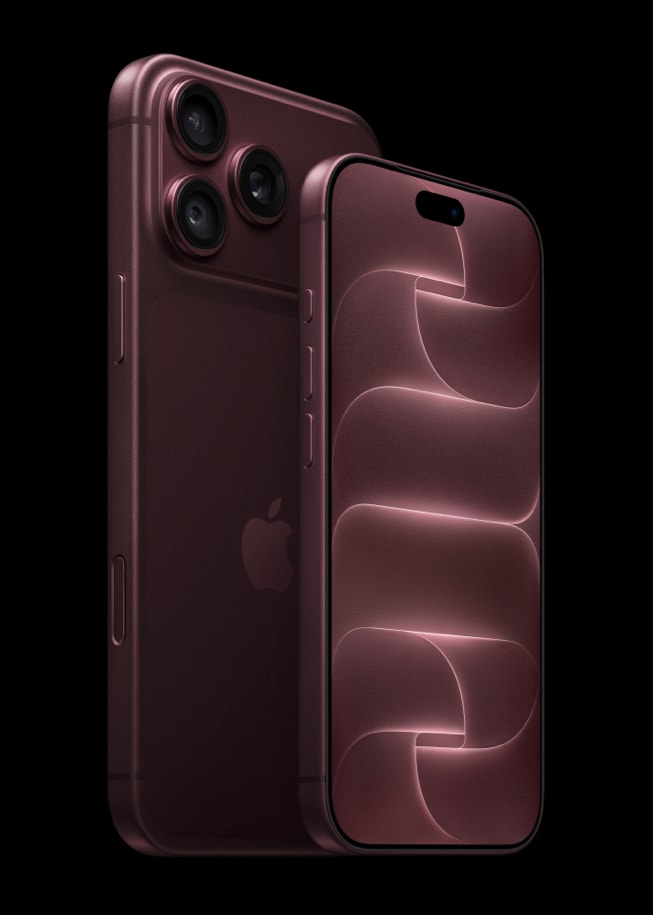
Is your iPhone 18 Pro or iPhone 18 Pro Max stuck on FaceTime call ending? Does it keep saying “FaceTime Ending…” If your iPhone 18 Pro becomes stuck and unresponsive when you attempt to end a FaceTime call, do not worry you are not alone. It seems that a lot of users are having this issue. This problem is especially frustrating because your device will not respond until the FaceTime call ends.
A lot of people use FaceTime to make video and audio calls. In fact, I use FaceTime daily. I use it because it is easy to use and it is reliable. This short article explains what you can do to troubleshoot if your FaceTime call won’t end on iPhone 18 Pro or iPhone 18 Pro Max. Please try the following tips:
Two things to rule out before you troubleshoot.
- The controls may be hidden. Apple’s instruction for leaving a call is to tap the screen to show the FaceTime controls if they are not visible, then tap the button to end the call. In a Group FaceTime call you can also tap Leave while viewing the list of participants.
- A Group FaceTime call continues after you leave it. Apple says the call remains active if one or more participants remain.
If neither of those is it, try the following:
- Restart your device. Go to Settings > General > Shut Down, then drag the slider. Once it has turned off, press and hold the side button until you see the Apple logo.
- Update your device to the latest version of iOS. You can do so by going to Settings > General > Software Update.
- Reset your network settings. Simply go to Settings > General > Transfer or Reset iPhone > Reset and then tap Reset Network Settings.
- Go to Settings > Apps > FaceTime and toggle off FaceTime. Wait a few seconds and then turn it back on.
- Remove the FaceTime app and install it again. Touch and hold the FaceTime app, tap Remove App, tap Delete App, then tap Delete to confirm. Do not worry — you will still be able to use FaceTime. After deleting it, go to the App Store, search for FaceTime, and download it again.
Hopefully, one of the tips above will help you resolve your problem. If not, and you are still having problems, you may want to chat with Apple support, or make a Genius Bar reservation.