Several Apple Music users have reported that they are receiving the following error message while trying to play certain sets of songs: “This song is not currently available in your country or region”. It further seems that those problematic songs are also greyed out. If you are having this problem, here is how you can troubleshoot it:
1– The likely reason you are seeing this message is that, especially if you are having this issue with your older songs, older playlist tracks may have been changed. If this is the case, older versions would not work. What you can do is to delete the old track from the list (press and hold the item that you want to delete and tap Remove) and then you can easily add the new version to update your playlist.
It is also possible some of your songs may not be available to listen anymore as the availability of tracks may change over time, temporarily or permanently. For instance, Apple may have decided not to renew its contract with certain distribution companies. Further tracks that were once available, may have been retracted by the artist, the distributor or their record company.
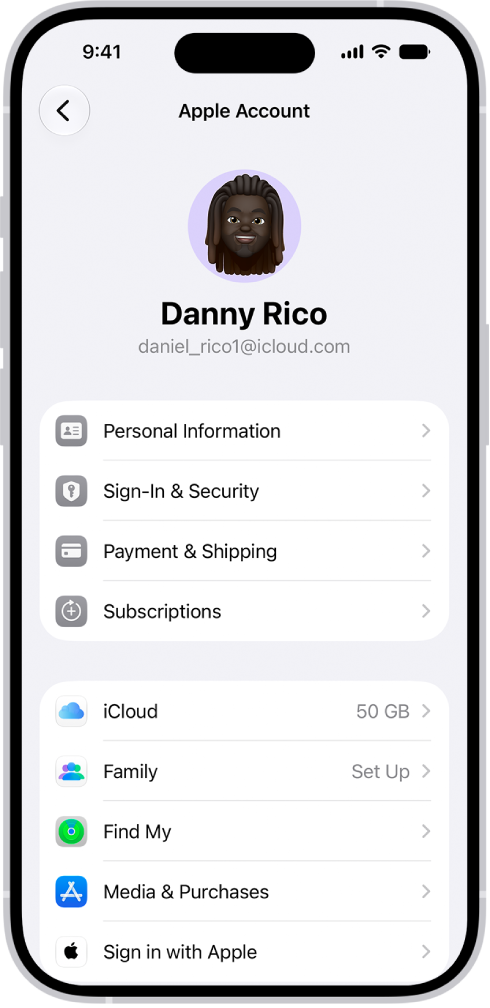
2-On your iPhone 18 Pro, open Settings, tap your name, then tap Media & Purchases and then tap Sign Out. And then sign back in.