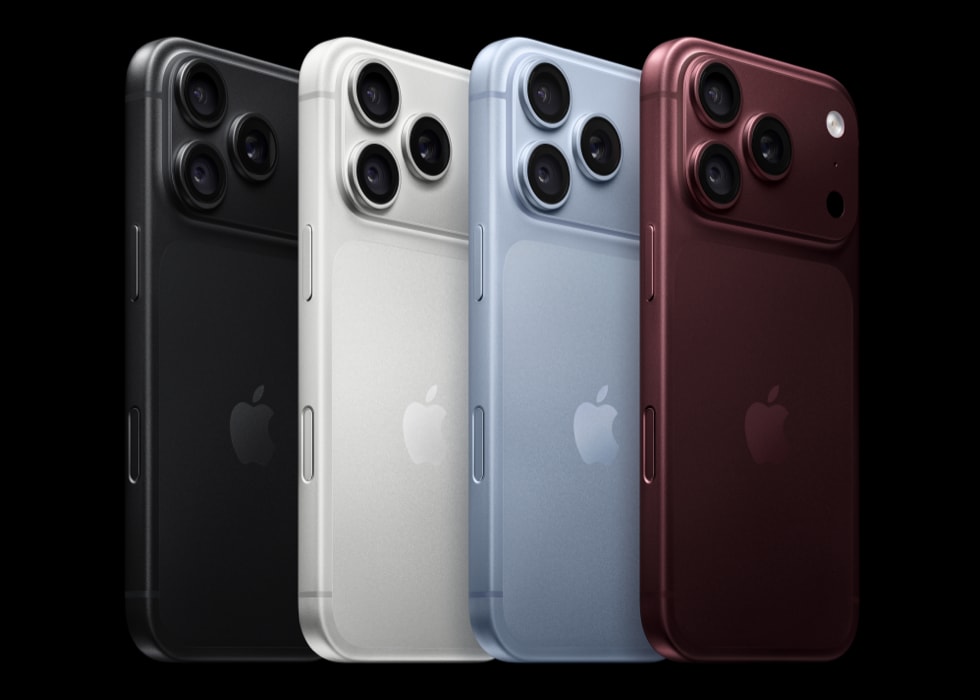
Several users have reported that they are receiving the following error message while trying to open Gmail in Safari on iPhone 18 Pro:
about:invalid#zClosurez
This error message appears in the URL address bar when trying to login and Safari launches with a white, blank screen.
This is an annoying problem. It will prevent you from checking (receiving and sending emails) your Gmail account. If you are experiencing this problem, this article explains how you can resolve it.
Please note that you may get this error, while trying to access Gmail with email clients also such as Outlook, Apple Mail etc. Some users further reported that they are experiencing this issue with YouTube also preventing them from watching YouTube videos.
Fix Gmail Error
Please after trying each step, test to see if your problem is fixed:
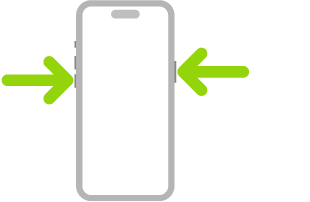
1. Restart your iPhone. Simultaneously press and hold the side button and either volume button until the sliders appear, then drag the Power Off slider.
2. Turn on Airplane mode and wait a few seconds and turn off Airplane mode again. You can enable / disable Airplane mode by going to Settings > Airplane Mode.
3. If you are still having issues, try clearing the history and cookies from Safari. Here is how:
- Go to Settings > Apps > Safari, and scroll down and tap Clear History and Website Data.
4. Try closing all of the tabs in your Safari browser. And close Safari and reopen. Here is how:
- Open Safari
- Press and hold the tabs icon (two squares icon)
- Tap Close All [number of] Tabs
- Close Safari and try again
5. Make sure that your iPhone 18 Pro is running the latest version of iOS. You can update your device by going to Settings > General > Software Update. And if there is an update available, follow the instructions to download and install the update.