





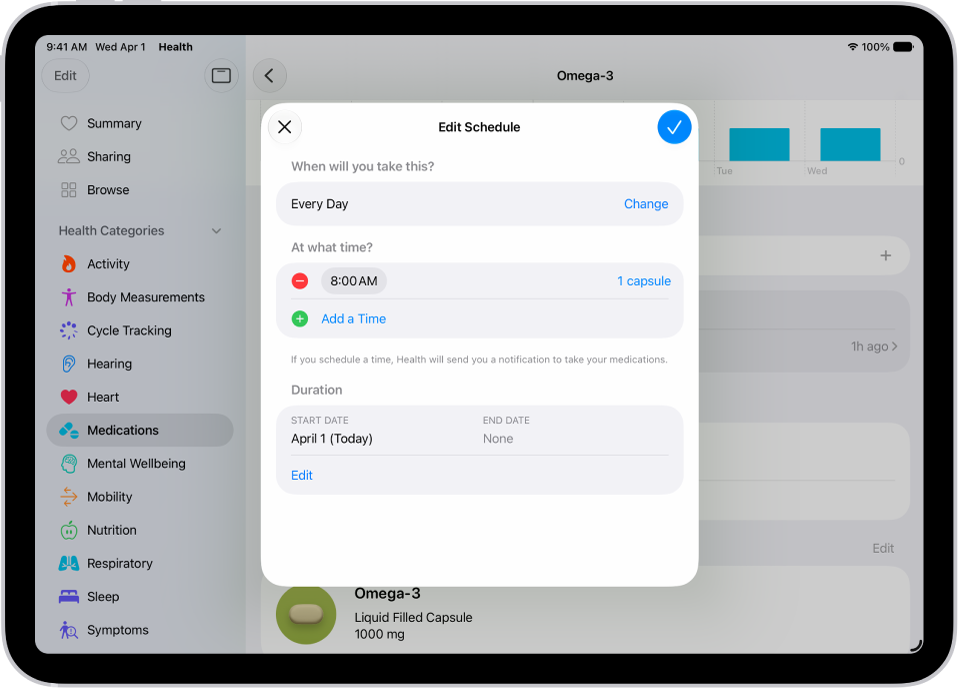
On iPad, you can learn more about the medications you add to your medications list. You can find out what a medication is used for, how it works, its potential side effects, and how to pronounce it, and you can learn about interactions between your medications.
You can also learn whether interaction factors like alcohol might interact with your medications, and track your medications and log your state of mind in Health.
Learn about a medication
In Health, you can learn more about what a medication is used for and how it works, plus its potential side effects and how to pronounce it.
- Go to the Health app on your iPad.
- Tap the Browse button and then tap Medications.
- Tap the medication (in the list of your medications). Scroll down to About.
Learn about interactions between your medications
- Start the Health app on your iPad.
- Tap the Browse button and then tap Medications.
- Scroll down, then tap Drug Interactions.
- To learn whether interaction factors like alcohol might interact with your medications, tap Edit (in the Interaction Factors area), select the factors that apply, and tap Done.
- To learn more about an interaction, tap it.
See also

.)