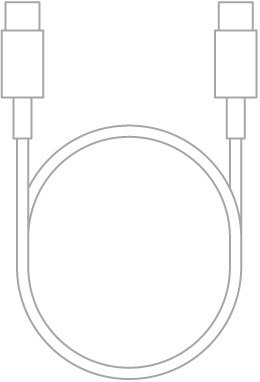
You can use a cable to directly connect your iPad to a Mac with OS X 10.9 or later, or to a Windows device with Windows 7 or later. A cable connection is how you set up iPad, share your internet connection, update iPad, or sync content with your computer.
Using the charging cable for your iPad, connect iPad to the USB port on your computer. If the cable isn’t compatible with the port on your computer, you’ll need to use an adapter (sold separately).
Note: When your iPad shows an alert asking whether to trust this computer, select Trust.
After connecting iPad to a computer with a cable, you’re able to do any of the following:
- Set up iPad for the first time.
- Share your internet connection with your computer.
- Use your computer to erase all content and settings from iPad.
- Update iPad using your computer.
- Sync content or transfer files between your iPad and Mac or Windows device.
While iPad is connected to your computer, the iPad battery charges, as long as your computer is connected to power.