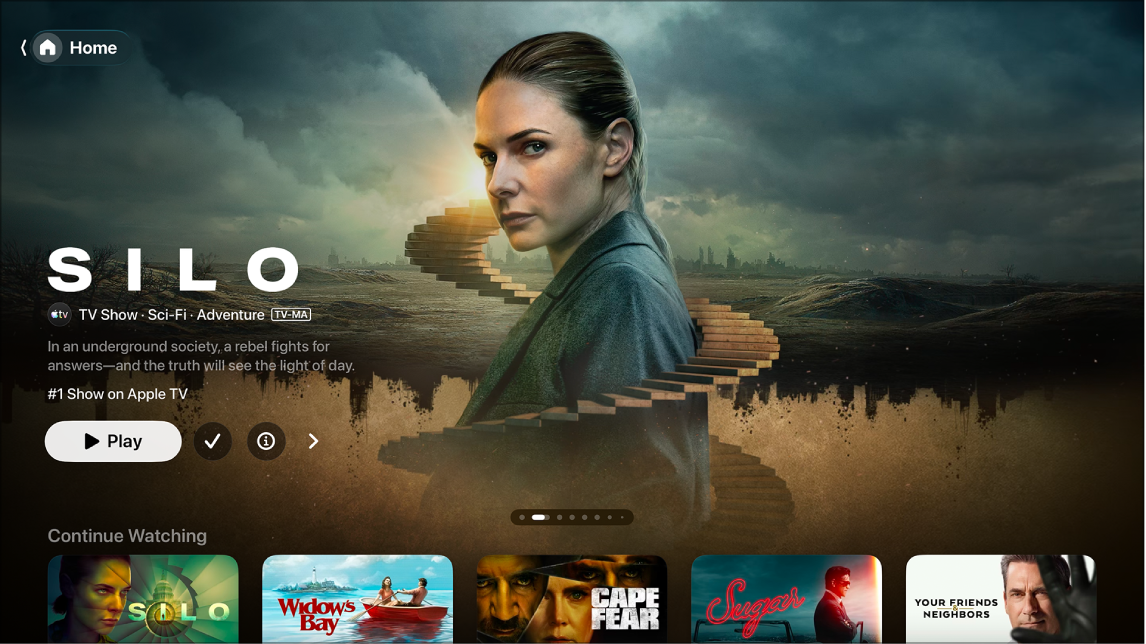
In the Apple TV app on Apple TV 4K, you can subscribe to Apple TV and Apple TV channels, which give you access to content on demand. You can also buy, rent, or preorder TV shows and movies, or bundle your Apple TV subscription with other Apple services by subscribing to Apple One.
Rent a movie, and you have 30 days to start watching it. Once you start, you’re able to play it as many times as you want for 48 hours.
Subscribe to Apple TV
A subscription streaming service, Apple TV features acclaimed original series, films, and documentaries, along with Formula 1® in the U.S., Major League Soccer (MLS), Friday Night Baseball doubleheaders, and more.
Quick tip: Apple TV and Peacock are also available as a bundled subscription in the United States.
- Go to the Apple TV app on Apple TV 4K.
- Open the sidebar. Then select Apple TV, MLS, or Formula 1.
- Select the subscription button, then follow the onscreen instructions.
Subscribe to Apple TV channels and apps
Apple TV channels get you the shows you want, without downloading any apps.
- Go to the Apple TV app on Apple TV 4K.
- Open the sidebar and select Store.
- Navigate down to Add Channels & Apps and then navigate left and right to browse available options.
- Select a channel or app to view content previews and subscription options.
- Select the subscription button, then follow the onscreen instructions.
Cancel or change a subscription
- Go to Settings on Apple TV 4K.
- Go to Profiles and Accounts > [profile] > Subscriptions and select a subscription.
- Follow the onscreen instructions to change or cancel your subscription.
Buy, rent, or preorder items
For browsing, buying, and renting a wide variety of movies and TV shows, the Apple TV Store in the Apple TV app is the all-in-one destination.
Quick tip: To require a profile to enter a password before making purchases, go to Settings on Apple TV 4K, then go to Profiles and Accounts > [profile] > Purchases.
- Go to the Apple TV app on Apple TV 4K.
- Open the sidebar and select Store.
- Select a movie or TV show, then do any of the following:
- Play the movie or TV show: Select Play to start watching immediately if the movie or TV show is already available through one of your channels.
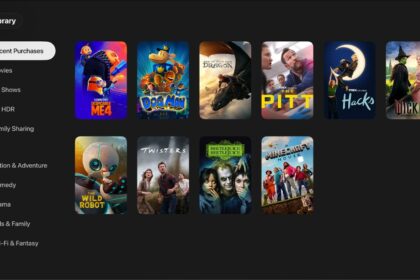
- Buy: Purchased items are added to your library.
- Rent: When you rent a movie, you have 30 days to start watching it. After you start watching the movie, you can play it as many times as you want for 48 hours, after which the rental period ends. When the rental period ends, the movie is deleted.
- Preorder: When the preordered item becomes available, your payment method is billed, and you receive an email notification.
- Open the item in another app: Select Open In or Try [app name]. If an app isn’t immediately available, follow the onscreen instructions to install it and connect to it. Some apps may require a subscription.
If this is your first time using an app that requires a cable or satellite subscription, you may need to enter your TV provider credentials (see Set up single sign-on with your TV provider on Apple TV 4K).
- Add an item to your watchlist: If you want to watch the item later, select Add to Watchlist. To remove the item from your watchlist, select Added to Watchlist. Items added to your watchlist appear in the Continue Watching and Watchlist rows.
Movies you buy or rent from the Apple TV Store automatically play in the highest-quality format available for your Apple TV 4K, whether that’s high-definition (HD) or a 4K resolution format. They can also have Dolby Atmos and high dynamic range (HDR) in Dolby Vision 8.1, HDR10, or HDR10+.
Share Apple TV or Apple TV channels with Family Sharing
Subscribe to Apple TV, Apple TV channels, or Apple One, and you can share your subscription with up to five other family members using Family Sharing. Your family group members won’t need to do a thing. Apple TV and Apple TV channels are there for them the first time they open the Apple TV app once your subscription begins.
When you already subscribe and join a family group that has Apple TV or Apple One, the group’s subscription is the one you use, and yours isn’t renewed on your next billing date. If the family group doesn’t subscribe, it uses your subscription.
You can stop sharing your subscription with a family group by canceling the subscription or leaving the family group. And if you’re the family group organizer, you can stop using Family Sharing.
Note: The Apple TV app, Apple TV channels, Apple One, Apple TV subscription, and store availability might vary by country or region.
Subscription required for Apple TV, which in some countries and regions may include some or all of the following: Friday Night Baseball, Major League Soccer (MLS), and Formula 1®. Not all features and content are available in all countries or regions, or on all Apple TV hardware models. Apple TV subscription does not include third-party branded subscription services or content available for rental or purchase in the Apple TV app. When you purchase access to movies, TV shows, music, music videos, ebooks, audiobooks, or ringtones from Apple, you also have the option to permanently download these items to a compatible iPhone, iPad, Mac, or PC. Apple cannot revoke your downloaded content, and you can always access your downloaded content without an internet connection.